
Most companies do not wake up to a broken CRM.
They wake up to a pipeline number nobody trusts. Leads that sit. Reports that disagree with Google Ads. Workflows still firing for a process the team dropped two years ago.
Nothing went down. Nothing threw an error. The system kept running. It just stopped matching how you sell today.
That is drift. And it is normal for any CRM that has been live for more than a year without someone owning it end to end.
I audit, fix, connect, and measure CRMs for owners and marketing teams. Zoho, HubSpot, Salesforce, Attio, Workiz, and whatever feeds them. Here is what I look for first, and how I decide whether to rescue what you have or tell you to move.
What drift looks like
Drift is not one big failure. It is a pile of small mismatches between the CRM you set up and the business you run now.
Pipeline stages nobody updates. Someone added a stage for a one-off deal. Another stage got renamed, but half the automations still key off the old label. Reps skip stages because the real process lives in Slack. The pipeline report still looks precise. It is not.
Duplicates and orphaned records pile up from imports, form spam, and quick creates. Your team works around them instead of merging them. Search gets noisy. Routing gets worse.
Workflows outlive the process. A rule built for a promotion or a product you no longer sell still fires. Nobody remembers why. Or it dies quietly after a field rename, and nobody notices until leads sit for three days.
Lead source and ad platforms disagree. Your CRM says one channel. Google Ads says another. Your bank account says something else. Usually, the CRM absorbs "Website," "Organic," or blank for anything not tagged at capture.
Routing breaks when someone changes a field. Marketing renames a source. Ops adds a required field. A form maps to the wrong picklist. Leads still come in. They just miss the right person.
And you pay for a suite while using a fraction of it. Common on Zoho One, HubSpot tiers, and Salesforce editions. You fund modules nobody opens while the core CRM stays half built.
If two or three of those feel familiar, your CRM did not fail a stress test. It drifted away from the business.
Do not rebuild or switch blind
The usual move is to wipe modules and start over, or jump to a new CRM because this one feels broken.
Sometimes that is right. Often it is not.
A rebuild without an audit recreates the same drift with cleaner field names. A platform switch without an audit moves the mess and adds a migration tax.
What I do instead, in this order:
- Audit. Written findings on the instance, data quality, workflows, integrations, and what each issue costs you. Prioritized. Agreed before anything gets touched.
- Fix. Cleanup inside the CRM you already run. Duplicates, fields, pipelines, workflows, roles.
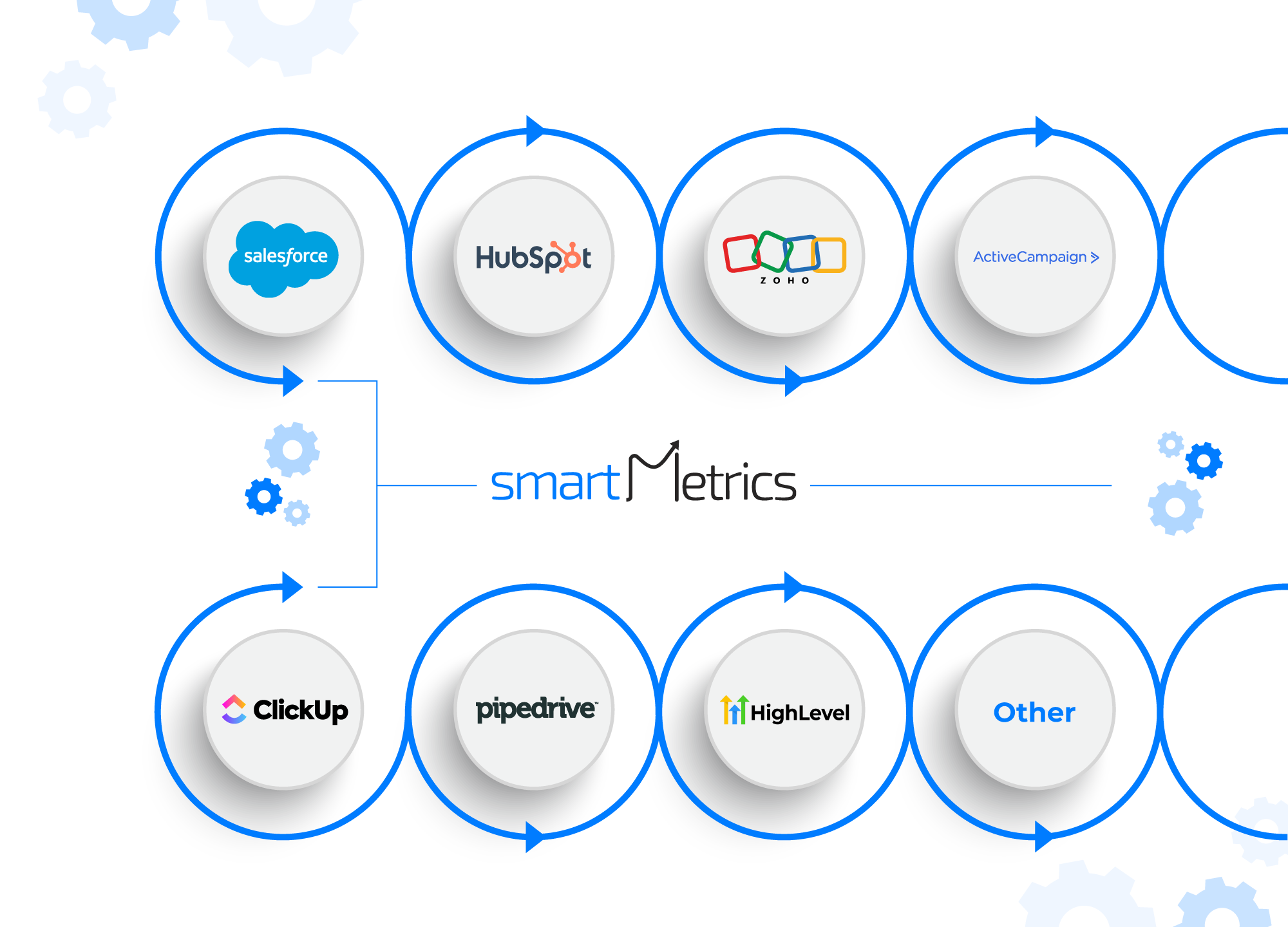
- Connect. Forms, ads, analytics, phone, SMS, scheduling, accounting, field service tools. The CRM stops being an island.
- Automate. Routing and follow-up that still hold when someone changes a field.
- Measure. Lead source through to closed revenue, not just to a click. Wired to GA4, ads, and server-side tracking where you run it.
The audit is also where an honest switch recommendation shows up. If you would be better on HubSpot, Salesforce, or Attio, that goes in writing, even when it ends a Zoho engagement. I would rather lose the project than pretend the wrong tool is fine.
What a real CRM audit covers
A useful audit is not a feature tour or a license review. It is a hard look at how money moves through the system.
I review data and architecture. Modules in use versus abandoned. Required fields that block creation. Picklists that drifted from real sources. Duplicate rules that do not fire. Ownership and sharing that block the people who need access.
I compare the pipeline to how your team actually sells. Exit criteria that exist only on paper. Forecast categories that inflate the number leadership watches.
I inventory every workflow, blueprint, flow, sequence, and custom function. What it does. Whether it still matches the process. Who would notice if it died. Custom code such as Deluge, Apex, or HubSpot coded actions only where native tools cannot hold.
I check integrations. Forms and lead capture. Ads and analytics, including server-side setups like Stape when you use them. Phone, SMS, chat. Calendars and bookings. Payments. Middleware such as Zapier, Make, or native sync. Field service tools such as Workiz, JobTread, and ServiceTitan. Two-way sync that quietly became one-way.
I test attribution and reporting. Can you trace a lead from first touch to closed revenue without a spreadsheet dig? Do CRM reports line up with ad platforms, or do you explain the gap every month?
And I answer fit. Is this still the right CRM for how you sell, including home builders and field service shops where the CRM is also job ops? That answer comes from your data, not a vendor chart.
You leave with a document you can act on with or without me. What is wrong. What it costs. What is recoverable. And a clear order of work.
Stay, fix, or switch?
Stay and fix when the CRM can model how you sell, your team already knows it, and the pain is setup, data, integrations, and reporting, not a hard product limit. Most Zoho and HubSpot messes I see land here.
Stay and expand the stack when the CRM is fine, but the money story is not. Attribution. Ad reconciliation. Field service job revenue in Workiz. Builder inquiry to contract follow-up. You need connectors and measurement, not a replacement.
Switch when the product fights you every week. Missing objects. Reporting you still cannot trust after cleanup. Licensing that forces workarounds. Or a team that already left the UI for spreadsheets and chat. Then the audit becomes a migration brief, not a rescue plan.
On Zoho work, I am direct. If HubSpot or Salesforce fits better, you get that in writing. Same honesty the other way: if someone wants to leave a platform they should keep.
Same drift, different logos
Zoho and Zoho One. Unused modules. Deluge: only one person understands. Blueprints that do not match reality. Lead source that never meets Google Ads. The service path is here: https://smartmetrics.com/services/zoho
HubSpot. Lifecycle stages that do not match the funnel. Overlapping workflows. Form-to-property chaos. Pretty reports that still disagree with spend.
Salesforce. Automation debt. Permission sets nobody maps. Reports only a specialist trusts. AppExchange leftovers.
Attio. Fast early setup with no governance. Lists and relationships that fall apart after the second sales hire.
Workiz and field service. Jobs and leads counted twice. Canceled work counted as revenue. "Website" eating every channel. Ad spend stuck in four tabs. Details here: https://smartmetrics.com/services/workiz
Start with the audit
You do not need a perfect CRM. You need one that matches how you sell and stays honest as that changes. Pipelines reps actually use. Routing that survives a field rename. Source names that do not split your history. Dashboards that reconcile, or that say plainly where privacy, offline deals, or long cycles leave a gap.
If you are not ready for a retainer, start with a written audit and fix roadmap. On Zoho that is a fixed $950 job. Report in five business days. Fully credited toward Rescue if you start within 60 days. You give temporary admin access. I look and document. Nothing changes without your sign-off.
Send me what you run. CRM, forms, ads, and the ops tools next to them. I will tell you whether this is a rescue, a stack problem, or a switch, including when the smaller job is the right one.
Next step: open the Zoho CRM audit page at https://smartmetrics.com/services/zoho, or send your setup and I will tell you which lane fits.




 Gray Digital Group
 Blitzy
 PermitFlow
 Dj Haer Jr