
Workiz jobs tied back to the ads that booked them

Workiz Reporting & Marketing AttributionKnow which channels actually pay for themselves
We connect your Workiz data to Google Ads, Facebook and everywhere else you spend, so you can see cost per booked job and return by channel in one place - and stop guessing.
The problem with the numbers you have now
Most Workiz shops end up in the same spreadsheet
Somebody exports the jobs report and the leads report each month, pastes them into a spreadsheet, types in ad spend from four different tabs, and builds a picture that's out of date before it's finished.
Then the numbers stop agreeing with each other.
- Leads and jobs counted twice, because a converted lead lives on both sides of the export
- Cancelled work counted as revenue, so ROAS looks better than it is
- "Website" absorbing every channel, an ad click, a search result and a repeat customer all land in the same bucket
- Repeat customers treated as a marketing source, showing infinite return and making every paid channel look worse
- Source names split three ways, so one channel reports as three
- Ad spend that never meets the revenue it produced, because it lives in a platform and the revenue lives in your CRM
None of it is anyone's fault. It's what happens when a spreadsheet built for one month gets used for two years - and when the CRM and the ad platforms were never designed to talk to each other.
What I build
Spend and revenue, on the same dates, against the same sources
One place where spend meets revenue
Workiz jobs and leads sync automatically every night. Google Ads and Local Services spend pulls in on its own. Facebook, Thumbtack, Angi and anything else gets added alongside. All of it lands against the same source names, on the same dates, in the same table.
That's the part nobody does by hand well, and it's the part that makes everything below possible.
Attribution you can act on
- Cost per lead and cost per booked job, by channel
- Return on ad spend calculated on money actually collected, not work booked and later cancelled
- The full funnel by source - opportunities, qualified, booked, closed, with the conversion rate at each step
- Where the drop-off is, so you know whether a channel has a lead quality problem or a closing problem
- Repeat business credited back to the channel that originally won the customer, so you see lifetime channel value rather than first-job value
A dashboard, not a spreadsheet
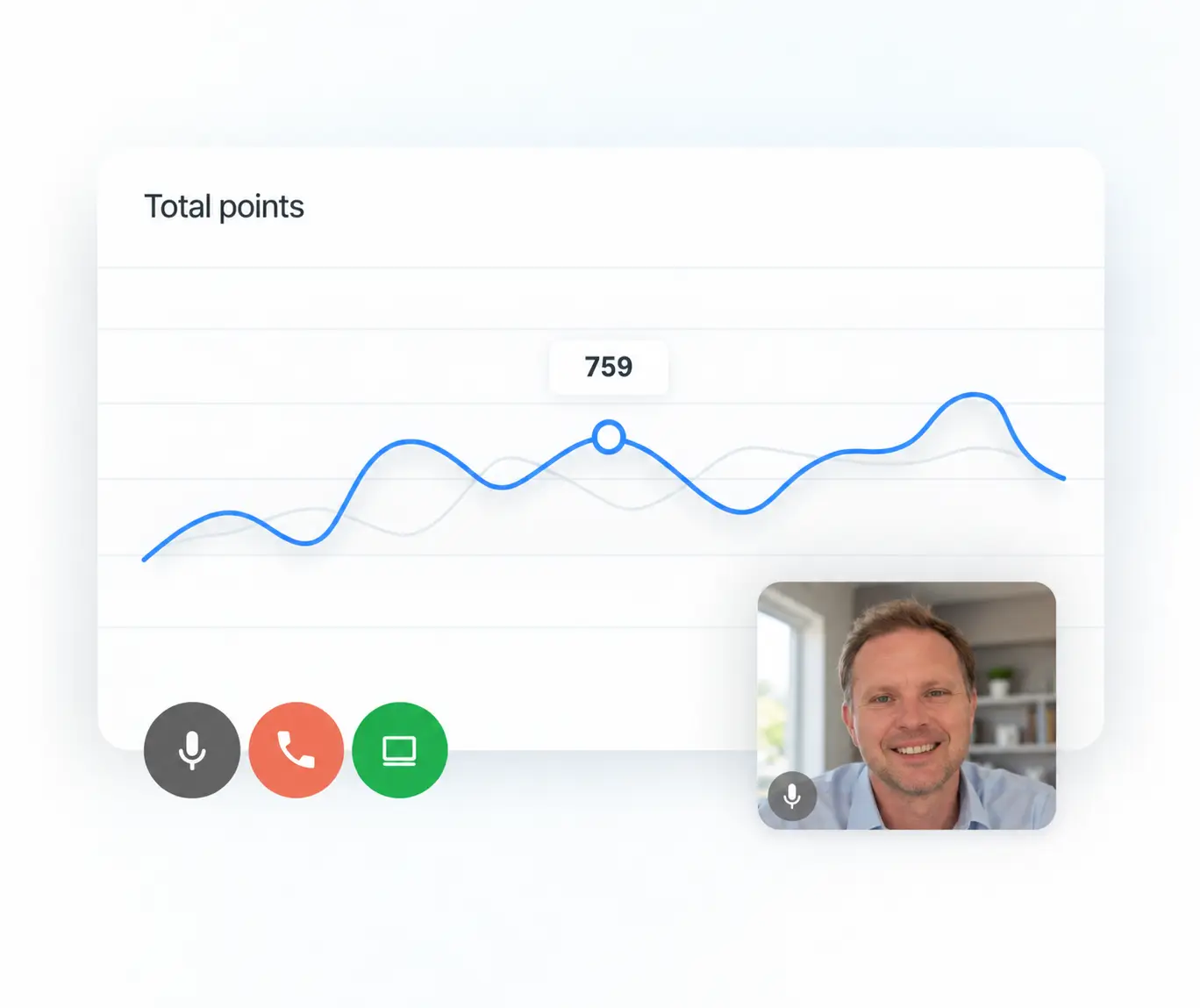
Any date range. Month over month. A shareable link that works on a phone. No exports, no pasting, no rebuilding.
Numbers that hold up
Every status mapped to a funnel stage you've signed off on. Cancelled work excluded from revenue. Spam and duplicates filtered. Source names standardized and locked to internal IDs, so renaming something in Workiz never splits your history. Anything the system doesn't recognise gets flagged rather than silently dropped.
How it works
Audit. Build. Ongoing.
Fixed-scope review first. Then automated sync, connected ad spend, and a dashboard you can trust. Optional monthly management to keep it accurate.
Audit
1 of 3We look at your account and tell you what's actually there.
- How lead sources are configured, applied and drifting
- What proportion of your work arrives unattributed, and where it is going instead
- Whether your ad platforms can be connected, and what each one will and will not give up
- How your funnel actually behaves by channel, using your real data
- Where your current reporting is over- or under-stating return
- Fixed fee, credited against a build
Before committing to a build, this tells you what is recoverable and what is not. You get a written findings document with the specific numbers from your account - and recommendations you can act on with or without us.
Build
2 of 3Spend and revenue land in the same table, every night.
- Automated Workiz sync
- Connected ad spend
- Dashboard with any date range
- Findings document
- Reconciliation against a period you have already reported on
Field service
Ads & marketplaces
Most builds run two to three weeks from kickoff. We walk you through every difference from your old numbers before you see the new report cold.
Ongoing
3 of 3Reporting setups do not stay accurate on their own.
- Monitoring the nightly sync, so failures get fixed before you find them in a report
- Keeping status and source mappings current as your Workiz setup evolves
- Handling platform changes on Workiz's or Google's end
- Periodic accuracy checks against your real numbers
- Changes and additions to the dashboard as your reporting needs shift
- Direct access for questions, without a project quote each time
APIs change, new job statuses get added, sources get renamed, campaign structures get reorganised. None of it is dramatic - but left alone it slowly makes the numbers less reliable, and a report that is subtly wrong is worse than one that is obviously broken.
Pricing
Start with the audit, or go straight to the full build. Audit fee is credited if you continue.
Workiz Marketing Audit
Find out what your numbers are actually telling you
One-time · credited against a build if you continue
You suspect the reporting is off but want to know what's fixable before committing to anything.
- Review of how lead sources are configured, applied and drifting across your account
- Your real cost per booked job and return by channel, calculated properly
- Full funnel by source - opportunities, qualified, booked, closed, and the drop-off at each step
- How much of your work arrives unattributed, and where it's being credited instead
- Where your current reporting over- or under-states return, with the specific numbers
- Which ad platforms can be connected and what each one will and won't give up
- Written findings document with recommendations you can act on with or without us
- Walkthrough call to go through it
- No dashboard or automated reporting is built
- No ongoing monitoring
Requires
- Workiz Developer API add-on enabled
- Temporary access to your Workiz account
- Read access to the ad accounts you want reviewed
Turnaround: About one week
Reporting & Attribution Build
Spend and revenue in one place, updating on its own
One-time · includes the audit
You're spending real money on ads and want to know which channels are worth more budget next month.
- Everything in the audit
- Automated nightly sync from Workiz - no more CSV exports or pasting
- Google Ads and Local Services spend pulled in automatically
- Facebook, Thumbtack, Angi and other channels connected or set up for entry
- Cost per lead and cost per booked job by channel
- Return on ad spend calculated on money actually collected, not work later cancelled
- Full funnel by source with conversion rates at every step
- Shareable dashboard that works on your phone - any date range, month over month
- Every job and lead status mapped to a funnel stage you've signed off on
- Source names standardized and locked to internal IDs, so renaming never splits your history
- Spam, duplicates and cancelled work handled consistently
- Unrecognised sources and statuses flagged automatically rather than silently dropped
- Reconciliation against a period you've already reported on, with every difference explained
- One round of revisions after review
- Handover walkthrough and a short written guide
- Fourteen days of support after delivery
Requires
- Workiz Developer API add-on enabled
- Read-only Workiz login
- Read access to your ad accounts
- Half an hour to confirm what each status means in your business
- One month of numbers you've already reported, to check against
Turnaround: Two to three weeks from kickoff
Built inside your own Google account. You own it.
Ongoing Management
Keep it accurate as everything around it changes
You don't have a developer to own this, and you'd rather the numbers stay right without thinking about it.
Reporting setups don't stay accurate on their own. APIs change, new job statuses get added, sources get renamed, campaign structures get reorganised. None of it is dramatic - but left alone it slowly makes the numbers less reliable, and a report that's subtly wrong is worse than one that's obviously broken, because you keep trusting it.
Monthly · no commitment, cancel any time
- Monitoring the nightly sync, so failures get fixed before you find them in a report
- Keeping status and source mappings current as your Workiz setup evolves
- Handling platform changes on Workiz's or Google's end
- Periodic accuracy checks against your real numbers
- Changes and additions to the dashboard as your reporting needs shift
- Direct access for questions, without a project quote each time
Also available
Layer on what the reporting needs next
Quoted on request, during or after a build.
Weekly automated delivery
The report lands in your inbox every Monday morning without you opening anything.
Lifetime channel attribution
Credit repeat business back to the channel that originally won the customer, so you see what a channel is really worth beyond the first job.
Intake attribution
Call tracking and form source capture, so the source field stops depending on whoever picks up the phone.
Offline conversion import
Send booked and closed revenue back to Google Ads so the platform optimises toward jobs that actually close, not just form fills.
Engagement standards
Work with Tomas
Founder, SmartMetrics
20 years in marketing, CRO, CRM, and analytics, now with AI systems layered on top.
Get In Touch
You work with me directly, from scope to delivery.
Schedule a 15min Call
Straight answers
Still deciding
What's the difference between the audit and the build?
The audit tells you what your numbers actually say and what's fixable. The build makes it happen automatically and keeps it that way. If you take the build, the audit is included - you're not paying twice.
Do I need the Workiz Developer add-on?
Yes, for both the audit and the build. It's what allows me to read your data directly rather than working from exports. You enable it in Settings → Integrations → Developer and generate a key - takes about a minute.
Will my numbers change?
Almost certainly. Once double-counting is removed and cancelled work is excluded from revenue, some channels look better than you thought and some look worse. We document every difference and walk you through it before you see the new report cold.
Can all my ad spend be automated?
Google Ads and Local Services, yes. Facebook needs a paid data connector, usually $20-40 a month. Some lead marketplaces have no API at all and will always be entered by hand. We tell you which is which before you buy anything.
Who owns it at the end?
You do. Everything is built inside your own Google account. No password sharing, no extra paid seats, and nothing stops working if we part ways.