
Stop Explaining the Same Metrics Over and Over
Every agency has the same conversation. Client emails asking why a number changed. Why signups dipped. Which channel is working. You pull the data, write the explanation, send it back.
It's not high-value work. It's answering questions their data already has answers to. SmartMetrics PostHog AI chat puts those answers directly in your client's hands, without involving you.
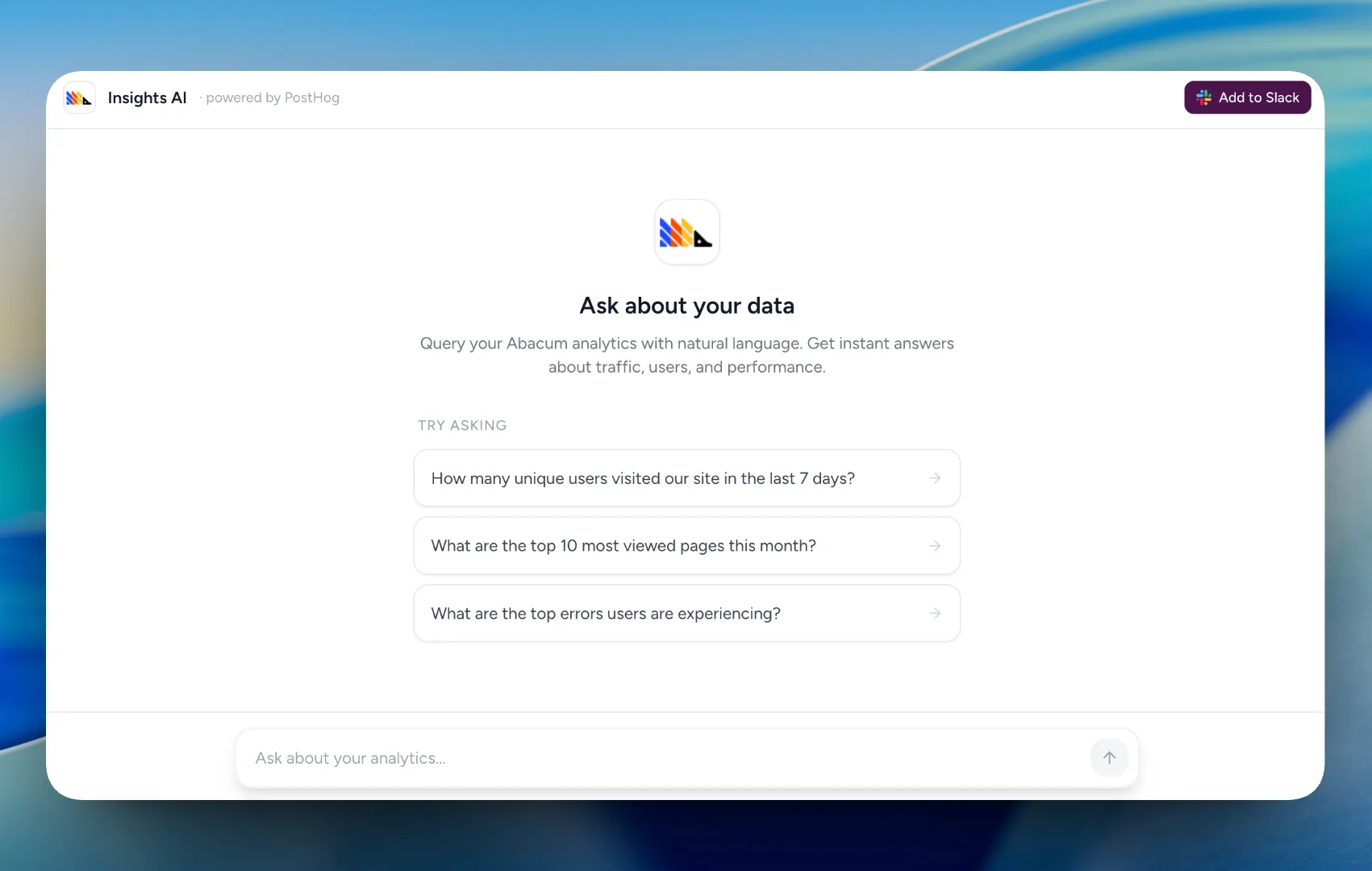
AI Chat in the Client Portal
Turn on PostHog AI chat for any client in a few clicks. Once it's live, clients type questions in plain English and get answers pulled straight from their PostHog data.
Questions clients can answer themselves:
- “Why did signups drop last week?”
- “Which traffic source converts best?”
- “What's our retention rate for users who complete onboarding?”
No dashboard confusion. No waiting on you. Just their data, explained on demand.
PostHog Insights in Slack
Some clients live in Slack and rarely log into anything else. The /posthog Slack integration pushes PostHog insights directly into client Slack channels so they can ask questions without switching tools.
Clients can also DM the @PostHog bot directly — no slash command, no context switching. Same AI, same data access, right where they already spend their day.
Install the Slack integration once per workspace. It works across every channel automatically.
What This Does for Your Agency
Fewer “can you pull this for me” requests. Clients answer their own basic data questions. You handle the work that actually needs your expertise.
Clients who actually understand their numbers. When clients can query their own data, they show up to calls informed and ready to make decisions. Better conversations, faster approvals.
A portal worth logging into. Most client portals are just a place to drop files. This one actively helps your clients do their job.
Works With Your Existing PostHog Setup
No migration. No rebuilding dashboards. Connect your client's PostHog account, enable the chat, and it's live. The AI pulls from the data and insights they already have.
Add your client's PostHog API key and Claude API key under Insights AI settings in the client dashboard. Toggle it on in the client portal settings. Done.
Powered by PostHog MCP and Claude AI.
Get Started
It takes two minutes. Your clients will notice on day one.
Already a SmartMetrics user? Head to your agency dashboard, open a client, and enable PostHog AI chat under the Insights AI tab.
Ready to set it up?