




lifefitness.com
fitness
47%↗
Attributed leads
Every rep request now traces to its source
Built, connected, and kept running. Senior work, direct access, no handoffs.
Every rep request now traces to its source
Three systems, one operator
Marketing, sales, and data ops. Same operator across all three, so the handoffs between them are not your problem.
Where you stand
What the work covers






Google Ads, Meta, MS Ads, and others. Built, audited, and judged on revenue, not clicks.

Technical SEO so the right pages get found and stay found.

A/B testing, landing page, and funnel tests that lift conversion without buying more traffic.



Visibility in Google AI Overviews, ChatGPT, and other answer engines so the right pages get cited.
Where you stand
What the work covers
Lifecycle stages, entry and exit criteria per stage, ownership and handoff rules, field definitions, and a deduplication plan.


Pipeline setup or restructure, routing and assignment, workflow automation, email sequences, and speed-to-lead.
Where you stand
What the work covers



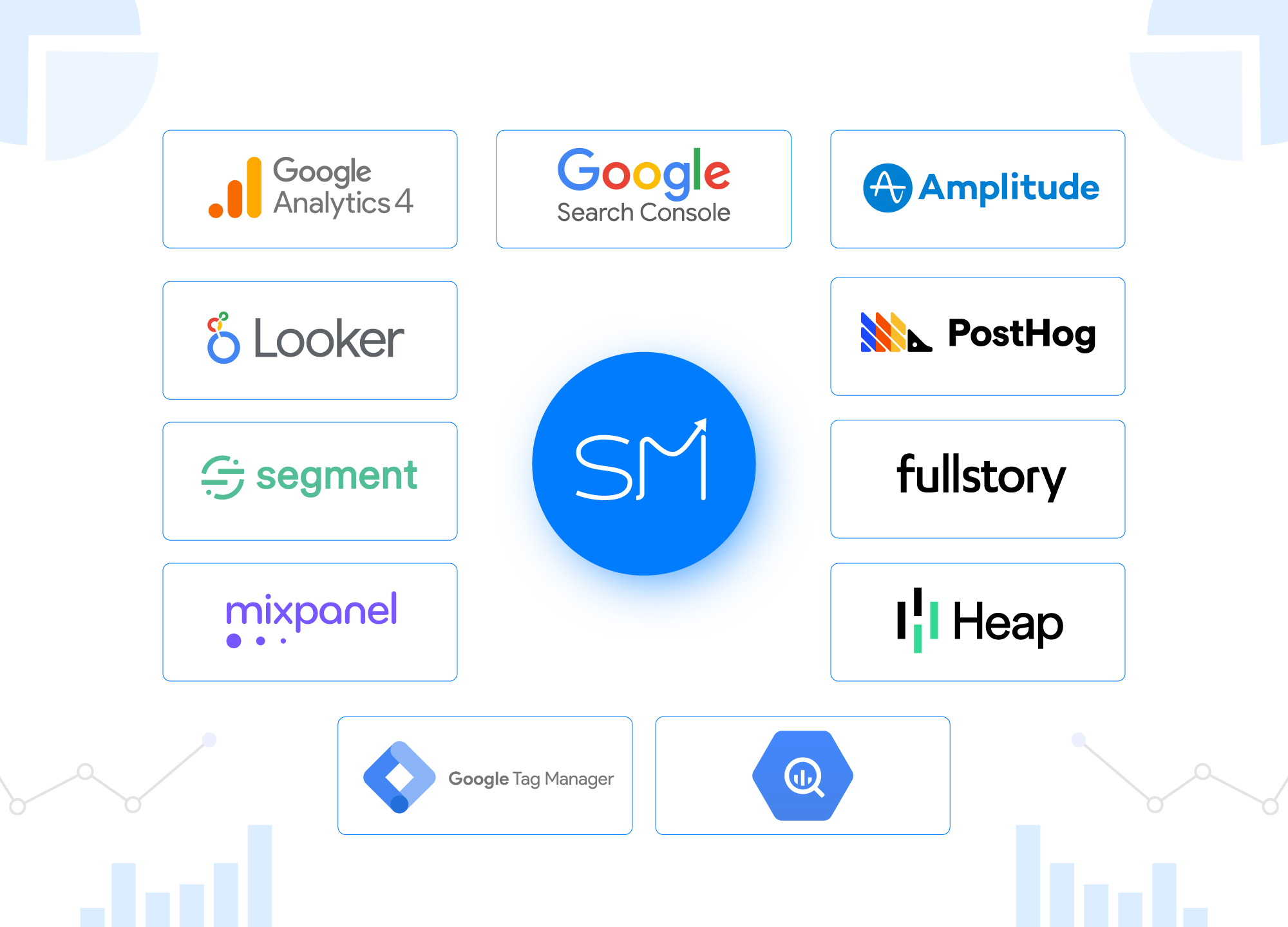
GA4, GTM, and server-side tagging so events fire once, correctly, and survive ad blockers.
Source on every record, offline conversions back to Google Ads and Meta, so spend is judged on revenue.
CMP wired so tracking still works after opt-in, and stays legal after opt-out.


Dashboards leadership can read without asking for a rebuild.
Is this you?
If your systems don't talk to each other, you can't see what's actually making money.
What clients say
“Tomas at SmartMetrics has been fantastic to work with. He consistently delivers high-quality work quickly, communicates clearly and proactively, and makes even complex implementations feel straightforward.”
 Gray Digital Group
 5.0 on Google · All reviews
“A huge difference to the business, and we know where the next dollar goes.”
 Blitzy
“We can scale spend now without guessing what is actually working.”
 PermitFlow
“Extremely knowledgable & capable!”
 Dj Haer Jr
Founder, San Diego, CA
20 years in marketing, CRO, CRM, and analytics. Now building the systems AI runs on.
You work with me directly, from scope to delivery. No account managers.
SmartMetrics is a set of tools and services for lead generation and ecommerce businesses. You work with me, Tomas. From tracking setup to fully automated AI lead flows and RevOps, it all points to one goal. Clear data, less wasted spend, and more leads that turn into revenue.
No. I scope it, build it, and answer the email when something breaks. No account manager, no handoffs. Work ships faster, and I work like part of your team instead of an outside vendor.
Build work is a fixed price or a monthly retainer, depending on the scope. One-off CRM, ads, SEO, and tracking projects are priced before anything starts. Ongoing marketing, sales, and data ops run on a retainer.
Not unless you want it to. I'll build the CRM, tracking, and attribution underneath whatever your agency is running, and they get better data. If you'd rather have one person for all of it, I do that too.
You tell me what you're running and where it's breaking. I tell you what I'd change. If it's worth doing, you get a written plan and a price within a couple of days.


