

Picture this: your agency team is buried under endless spreadsheets, piecing together Google Ads reports for demanding clients, and it feels like there’s never enough time to keep up. By 2026, clients expect more—real-time insights, transparency, and reports that actually help them make decisions, not just tick boxes.
That’s why it’s so important to simplify google ads client reporting. When reporting becomes clear and efficient, you save hours and make clients happier, too.
In this guide, you’ll find step-by-step strategies to simplify google ads client reporting, covering automation, data visualization, proven best practices, and top tools. Ready to make reporting easier and deliver more value? Let’s get started.
The State of Google Ads Client Reporting in 2026
Agencies are facing a rapidly changing landscape when it comes to Google Ads client reporting. Expectations in 2026 are higher than ever, with clients demanding more transparency, faster updates, and reports that are both insightful and easy to understand. As privacy regulations evolve and competition increases, the need to simplify google ads client reporting has never been more urgent.

Evolving Client Expectations and Industry Trends
Clients today want real-time access to their Google Ads data, not just static monthly PDFs. They're looking for visually engaging dashboards and the ability to drill down into specifics whenever they need. In fact, 72% of agencies now report that their clients expect more frequent updates, according to recent industry surveys.
This shift means agencies must adapt quickly, moving from manual reporting processes to live dashboards. With privacy changes and new data regulations, transparency is more important than ever. The pressure to prove ROI is intense, making it critical to simplify google ads client reporting so clients feel informed and confident in their investments.
Common Challenges with Traditional Reporting
Traditional reporting still haunts many agencies. Manual data exports, spreadsheet errors, and hours spent formatting reports can eat up valuable time. Inconsistent branding and reports packed with vanity metrics often leave clients confused rather than empowered.
Agencies often find themselves spending over 8 hours per client each month on reporting alone. These outdated processes make it hard to simplify google ads client reporting, which can lead to missed insights and frustrated clients.
Traditional vs. Modern Reporting
| Challenge | Traditional Reporting | Modern Approach |
|---|---|---|
| Data Updates | Monthly, Manual | Real-time, Automated |
| Branding Consistency | Inconsistent | On-brand Dashboards |
| Actionable Insights | Limited | AI-driven Suggestions |
The Impact of Automation and AI
Automation and AI are transforming the way agencies approach reporting. With AI-driven insights and predictive analytics, reports are not just faster to build—they're smarter, too. Automated reporting tools can cut reporting time by up to 60%, freeing teams to focus on strategy.
Tools like Looker Studio and the Google Ads API enable agencies to create dynamic, real-time dashboards. If you're looking for practical steps, check out how to Automate Google Ads Reporting for ideas on integrating automation into your workflow. These advances make it easier than ever to simplify google ads client reporting and deliver more value to clients.
Why Simplification Matters for Agencies
There's a direct link between efficient reporting and client retention. Agencies that manage to simplify google ads client reporting not only save time, but also build trust by providing clear, actionable insights. Streamlined reporting frees up resources for strategic growth and creative work.
Recent benchmarks show that agencies who embrace simplified reporting processes grow 30% faster than those who stick with traditional methods. In a competitive market, the ability to simplify google ads client reporting can be the key to long-term success.
Essential Elements of Effective Google Ads Client Reports
What makes a Google Ads report genuinely useful to clients? Agencies looking to simplify google ads client reporting need to focus on the elements that matter most. Let’s break down the key features that make reports clear, actionable, and client-friendly.
Key Metrics Clients Actually Care About
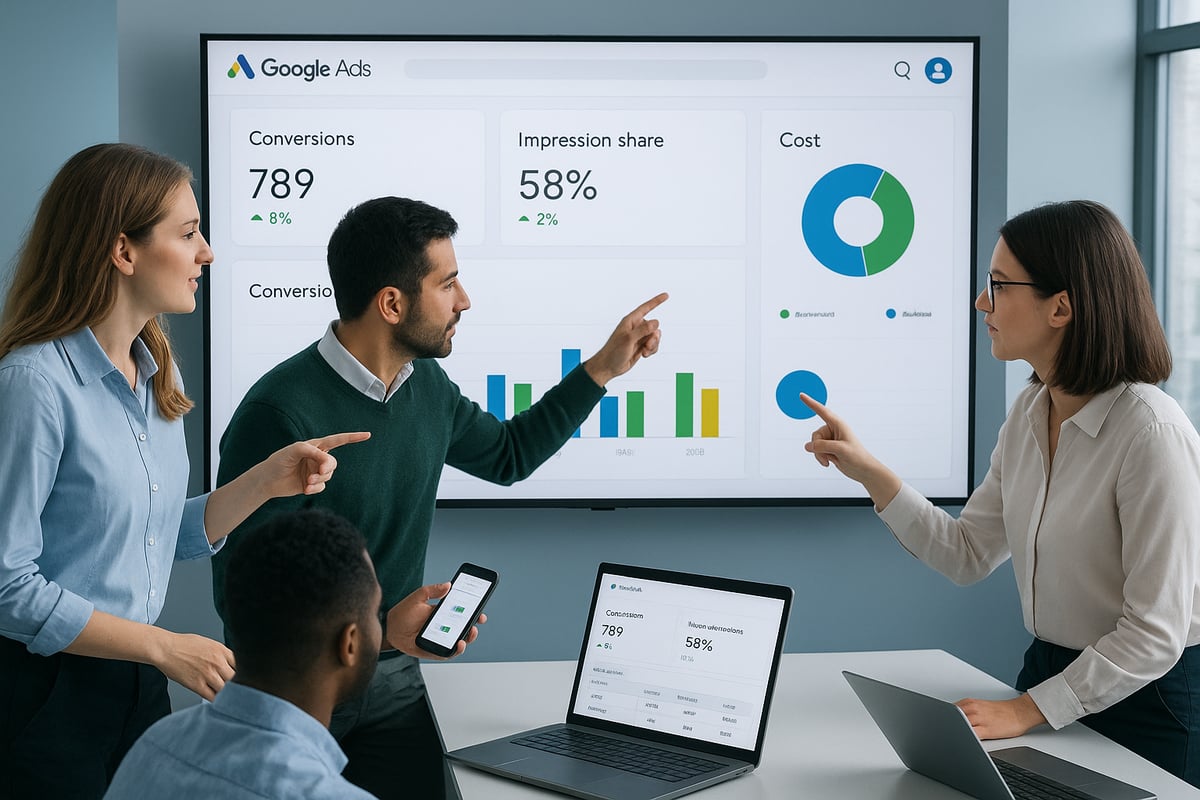
When you simplify google ads client reporting, start by highlighting metrics that truly impact business outcomes. Focus on conversions, cost per acquisition, ROAS, and impression share. Avoid overwhelming clients with vanity stats that don’t connect to their goals.
For example, while click-through rate (CTR) is interesting, clients want to see how ads drive real sales or leads. If you’re unsure about impression share’s value, check out this Importance of Impression Share in Advertising guide for context on why it matters.
Keep the report lean, relevant, and always tied to the client’s objectives.
Data Visualization Best Practices
Effective visuals help simplify google ads client reporting dramatically. Use clear charts, trend lines, and color coding to make data digestible at a glance. Interactive dashboards allow clients to filter and explore results themselves, while static reports can provide quick overviews.
Visual reports are proven to improve client understanding by 45 percent. When clients grasp trends quickly, they’re more likely to trust your recommendations and see the value in your work.
Customization and Branding
Every client is unique, so tailor your reports to their industry, goals, and preferences. Customization is a core part of how you simplify google ads client reporting, making each report feel personal and thoughtful.
Don’t forget branding. Adding your agency’s logo, color palette, and style elevates the report’s professionalism. Branded dashboards not only look polished but also reinforce your agency’s value and attention to detail.
Actionable Insights and Recommendations
Numbers alone aren’t enough. To truly simplify google ads client reporting, translate data into clear insights and next steps. Highlight what’s working, what needs improvement, and where to focus next.
Agencies that include specific recommendations see a 25 percent boost in client satisfaction. Use brief action points and avoid jargon, so clients feel empowered to make informed decisions based on your expertise.
Transparency and Accessibility
Clients want easy access to their results, wherever they are. Ensure your reports are accessible on multiple devices and simple to share. Mobile-friendly dashboards are especially valuable in 2026, as more clients review data on the go.
Transparency builds trust, and accessible reporting ensures everyone stays on the same page—no matter where or when they review campaign performance.
Step-by-Step: How to Simplify Google Ads Client Reporting
If you're ready to simplify google ads client reporting, a clear, step-by-step approach can make all the difference. Let's break down the process so your agency can save time, reduce headaches, and deliver reports your clients actually love.
Step 1: Audit Your Current Reporting Process
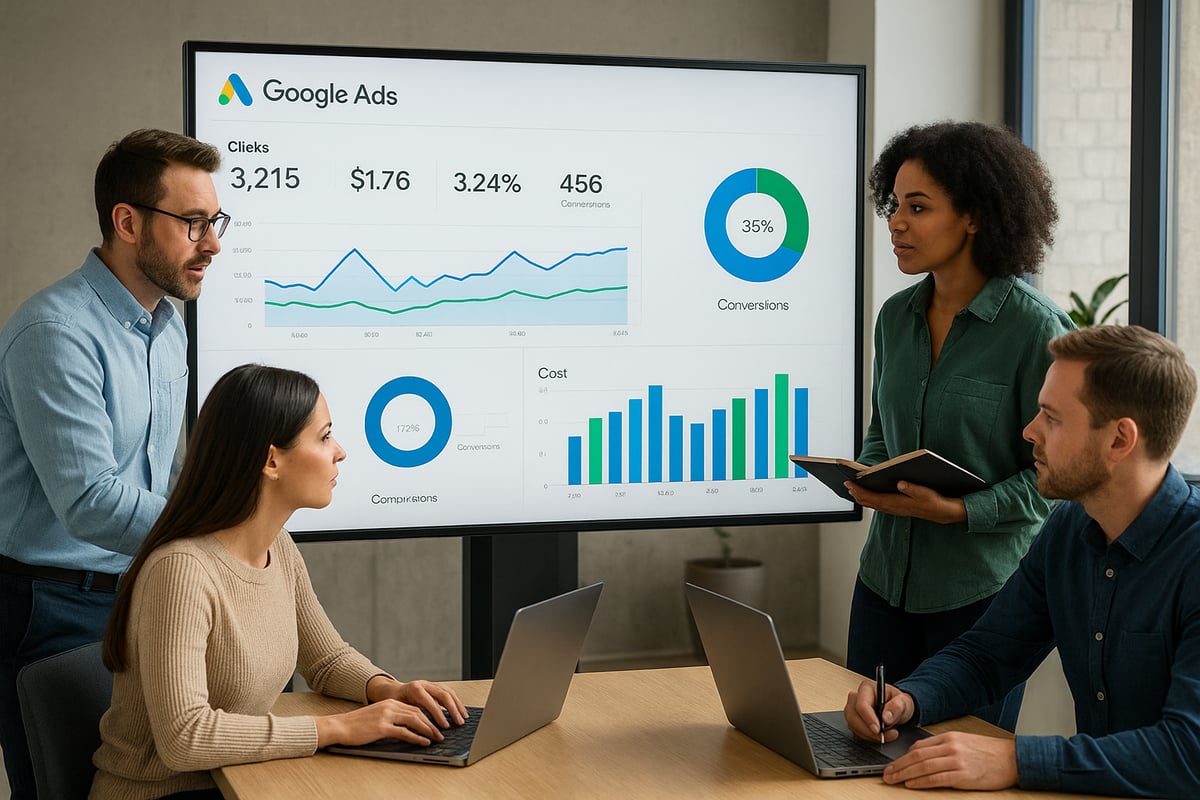
Start by taking a critical look at your existing workflow. Where does your team spend the most time? Are you copying data from spreadsheets, fixing errors, or formatting slides over and over? Map out every step, from data export to client delivery.
Ask both your team and your clients for feedback. Sometimes the biggest roadblocks are hidden in routine tasks, or in the way information is presented. By pinpointing these friction points, you set the stage to simplify google ads client reporting right from the start.
Step 2: Define Reporting Objectives with Clients
Before you build or automate anything, talk with your clients about what matters most. What goals do they want to track? How often do they want updates, and in what format? Setting expectations early helps avoid confusion later.
Agencies that co-create reporting objectives with clients often find it much easier to simplify google ads client reporting. This step builds trust and ensures you’re measuring what actually matters for each unique client.
Step 3: Automate Data Collection and Integration
Manual exports are a thing of the past. Use tools like the Google Ads API, Looker Studio, or third-party connectors to pull data automatically. This reduces errors and saves hours on every report.
To truly simplify google ads client reporting, consider adding report automation tools for marketing agencies to your tech stack. These platforms can connect multiple channels, integrate with CRMs, and even schedule recurring reports, freeing up your team for more strategic work.
Step 4: Design Custom, Visual Dashboards
Once data flows automatically, focus on making it easy to understand. Choose a dashboard tool with drag-and-drop features and real-time data updates. Tailor your visuals to each client’s industry, whether they care most about sales, leads, or brand awareness.
Templates designed for e-commerce will look different from those for B2B clients. Think about adding filters or interactive elements so clients can explore their data without feeling overwhelmed.
Step 5: Standardize and Template Your Reports
Consistency is key. By creating templates for your most common report types, you speed up the process and ensure every client gets a polished, professional experience. Include sections for insights, recommendations, and clear next steps.
Agencies that use templates not only deliver faster but also find it easier to simplify google ads client reporting for every new and existing client.
Step 6: Schedule and Automate Report Delivery
Set up automated delivery, whether by email or through a client portal. This ensures reports arrive on time, every time, without anyone on your team having to remember manual sends.
Automated delivery helps maintain client trust and increases the likelihood that your reports are read. It’s a simple but powerful way to simplify google ads client reporting and keep everyone on the same page.
Step 7: Gather Feedback and Iterate
Finally, make feedback a regular part of your process. After each reporting cycle or quarterly review, ask clients what worked and what could be clearer. Use their input to continually refine your reports.
By treating reporting as an ongoing conversation, you’ll keep improving and further simplify google ads client reporting over time.
Top Tools and Platforms for Streamlining Google Ads Reporting
Choosing the right tools can make or break your efforts to simplify google ads client reporting. The landscape in 2026 is packed with options, each promising faster workflows and more actionable insights.
Overview of Leading Reporting Solutions
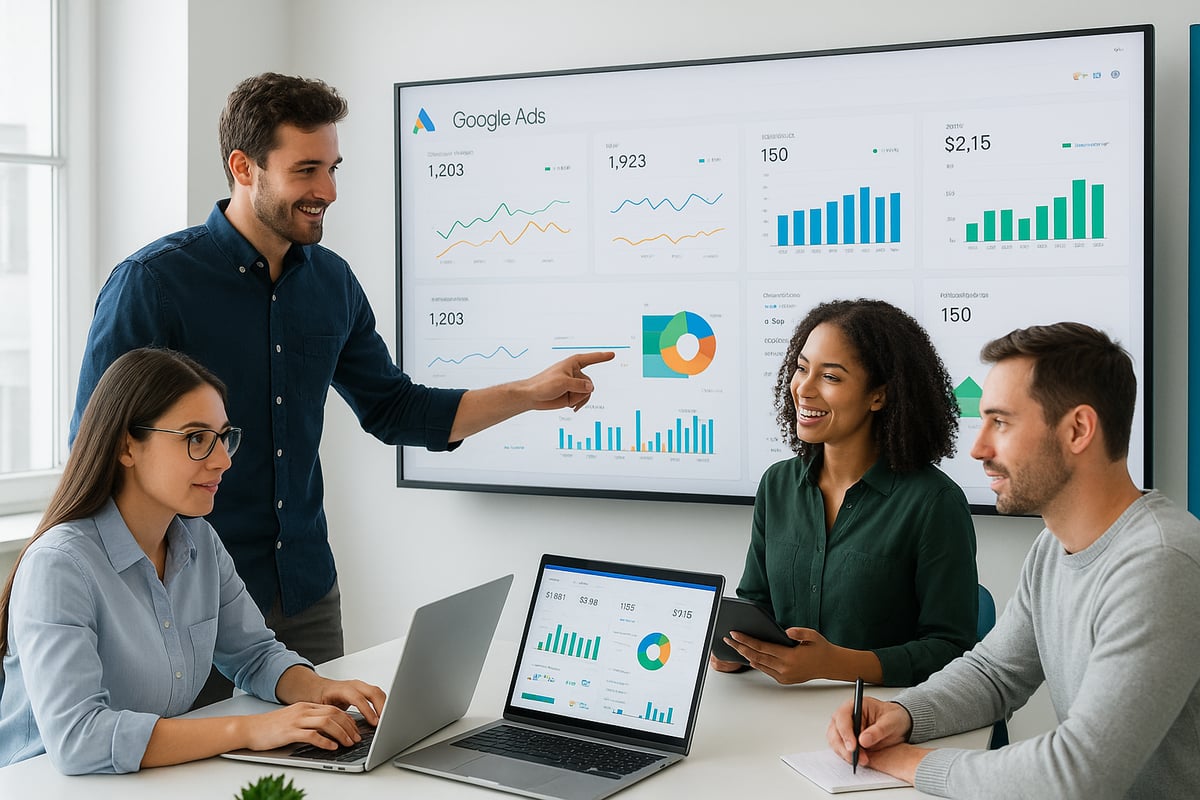
When agencies look to simplify google ads client reporting, platforms like Looker Studio, Supermetrics, AgencyAnalytics, and Whatagraph are top contenders. Each offers a unique blend of features, from real-time dashboards to customizable templates. These tools are designed for agencies that want to transform raw Google Ads data into clear, client-friendly visuals without spending hours on manual work.
Looker Studio stands out for its deep integration with the Google ecosystem, while Supermetrics is known for pulling data from multiple ad platforms. AgencyAnalytics and Whatagraph offer intuitive drag-and-drop interfaces, making setup a breeze for new users.
Comparison of Tool Strengths and Weaknesses
Every agency's needs are different, so comparing platforms is key. Here's a quick look at how the leading solutions stack up:
| Tool | Pricing | Scalability | Customization | Ease of Use |
|---|---|---|---|---|
| Looker Studio | Free/Tiered | High | High | Moderate |
| Supermetrics | Paid | High | Moderate | Easy |
| AgencyAnalytics | Paid | Moderate | High | Easy |
| Whatagraph | Paid | Moderate | High | Easy |
When you want to simplify google ads client reporting, consider how each platform aligns with your client volume, budget, and reporting complexity. Some tools are better for agencies with dozens of clients, while others shine for boutique shops needing heavy customization.
Integrations with Google Ads and Other Platforms
Seamless integration is non-negotiable if you want to truly simplify google ads client reporting. The best platforms pull data not just from Google Ads but also from GA4, CRMs, and social channels. For example, Supermetrics excels at cross-channel data aggregation, letting agencies build holistic reports in less time.
To explore more about automation and integration trends, check out Google Ads Automation Tools for 2026, which highlights the latest solutions making reporting faster and smarter.
SmartMetrics: All-in-One Productivity for Agencies
SmartMetrics is raising the bar by consolidating reporting, project management, and client collaboration into a single platform. Agencies can create branded client portals, automate audits, and deliver real-time dashboards all in one place. This unified approach helps agencies cut down on tool sprawl and present a more polished client experience.
SmartMetrics also offers automated alerts and collaborative features, so teams and clients stay in sync. For agencies aiming to stand out, this all-in-one model can be a game changer.
Selecting the Right Tool for Your Agency
Before you invest, assess your agency's size, client base, and specific reporting needs. Trial periods are invaluable for hands-on evaluation. Also, consider customer support and future scalability.
Remember, the goal is to simplify google ads client reporting so your team spends less time on manual tasks and more on strategy. Agencies that choose the right tools often see measurable time savings and happier clients.
Best Practices for Presenting and Communicating Google Ads Results
Clear communication is at the heart of successful client relationships. If you're looking to simplify google ads client reporting, how you present results matters just as much as the data itself. The right approach can turn raw numbers into meaningful stories, drive action, and build lasting trust.
Storytelling with Data
Numbers alone rarely inspire action. Instead, use storytelling to give context to your metrics. Show how specific campaigns have moved the needle for your client by highlighting before-and-after scenarios or spotlighting notable wins.
For example, instead of simply reporting a 15% increase in conversion rate, explain how this improvement led to a record-breaking quarter for online sales. Relate every data point back to client goals, so they see the value of your strategy.
Focusing on Outcomes, Not Just Outputs
Clients care about growth and results, not just activity. When you simplify google ads client reporting, shift the focus from clicks and impressions to what truly matters—business outcomes.
If click-through rate (CTR) improves, connect it directly to increased sales or higher-quality leads. Use concrete examples to demonstrate the real-world impact of your efforts. This approach builds credibility and ensures your reports resonate with decision-makers.
Using Visuals to Drive Engagement
Visual storytelling is a proven way to boost understanding and engagement. Incorporate infographics, progress bars, and summary snapshots to make data easy to digest. Interactive dashboards let clients explore their results in real time, while clear charts and color coding highlight trends.
According to PPC Reporting Best Practices in 2026, effective data visualization can dramatically improve client comprehension and satisfaction. When you simplify google ads client reporting through visuals, you make every insight more actionable.
Scheduling Regular Review Meetings
Automated reports are powerful, but nothing replaces a real conversation. Schedule regular review meetings to walk clients through results, answer questions, and strategize next steps together.
Find a cadence that works for each client—monthly, quarterly, or even ad hoc for larger campaigns. Pairing live discussions with accessible, shareable reports (see Client Access and Sharing Tools) ensures everyone stays aligned and informed.
Handling Tough Conversations and Missed Targets
Not every campaign goes as planned. When results fall short, be transparent about the challenges. Use your report to explain what happened, then outline clear, actionable steps for improvement.
Clients appreciate honesty and proactive solutions. This approach not only builds trust but also positions your agency as a true partner invested in their success. Remember, part of simplify google ads client reporting is making even difficult conversations constructive.
Continuous Improvement Through Feedback
Finally, treat your reporting process as a living system. After delivering each report, invite clients to share what works and what doesn't. Use their feedback to refine your templates, visuals, and communication style.
Collecting and acting on feedback helps you simplify google ads client reporting over time, ensuring your reports remain relevant, clear, and valuable for every client.
Future Trends: What’s Next for Google Ads Client Reporting?
The future of Google Ads client reporting is unfolding fast, with new technology and expectations shaping how agencies deliver value. Let's explore the trends redefining what it means to simplify google ads client reporting.
AI-Powered Insights and Predictive Analytics
Artificial intelligence is now central to how agencies simplify google ads client reporting. AI-driven tools can spot unusual patterns, forecast campaign performance, and provide smart recommendations. For example, some platforms automatically suggest budget reallocations after detecting a dip in conversion rates. Agencies leveraging Google Ads Conversion Tracking Best Practices can unlock even deeper, more actionable insights as AI becomes more advanced.
Enhanced Customization and Personalization
Personalization is moving to the forefront. Agencies are building hyper-personalized dashboards that cater to each client's role and preferences. This boosts engagement and makes complex data easy to digest. According to industry surveys, over half of agencies plan to invest in advanced personalization tools. Those interested in streamlined, branded reporting should explore White Label Google Ads Tools to create tailored client experiences without extra workload.
Privacy, Data Security, and Compliance
As privacy laws evolve, agencies must simplify google ads client reporting while keeping compliance top of mind. Regulations like GDPR and CCPA require secure data handling and transparent reporting. This means using platforms that prioritize encryption and safe sharing, so clients trust the results. Staying updated on privacy shifts is now part of every reporting workflow.
The Rise of Self-Service Reporting Portals
Clients increasingly want direct access to their performance data, whenever they need it. Self-service portals are gaining traction, letting clients explore real-time dashboards, filter results, and download reports on demand. Agencies offering 24/7 access differentiate themselves and reduce back-and-forth, freeing up time for strategy.
Continuous Evolution of Reporting Best Practices
To simplify google ads client reporting in 2026 and beyond, agencies must stay agile. Best practices are always shifting, driven by new tech and rising client expectations. Those who embrace innovation, experiment with AI, and prioritize actionable, visual reports will keep their edge in a competitive market.
If you’re ready to leave behind the headaches of manual reporting, endless spreadsheets, and confusing client updates, you’re not alone. We’ve walked through how agencies in 2026 are saving time, impressing clients, and driving growth by using smarter, more automated tools—like branded portals, visual dashboards, and streamlined workflows. Why not take the next step and see how easy it can be to transform your Google Ads reporting? If you want to boost your team’s productivity and client satisfaction, you can Get Started for Free and discover firsthand how SmartMetrics can simplify your agency’s day to day.


 Gray Digital Group
 Blitzy
 PermitFlow
 Dj Haer Jr

