

Workiz Reporting Automation
Stop rebuilding the same spreadsheet every month. Get a Workiz marketing report that pulls itself, and numbers you can actually make budget decisions on.
Why this exists
Every Workiz user ends up here. You need to know which marketing channels are working, Workiz reporting won't tell you directly, so someone builds a spreadsheet. It works, for a while.
Then it becomes a monthly ritual. Export the Workiz jobs report. Export the leads report. Fix the columns. Paste them in. Rebuild the pivot tables. Add a new tab because last month's layout doesn't fit. Type in your ad spend. Notice a number looks wrong, decide you'll deal with it later.
What we usually find underneath:
- Leads and jobs counted twice, because a converted Workiz lead exists in both exports
- Canceled jobs counted as revenue, inflating return on ad spend
- Conversion rates above 100%, because the numerator and denominator come from different date ranges
- The same channel showing two different revenue figures in two different tables
- Ad group names spelled three ways, splitting one lead source across three rows
- Placeholder rows added to force pivot tables to behave, then counted in the totals
- Repeat customers treated as a marketing channel, absorbing revenue and showing infinite ROI
- Lead sources active in Workiz that never appear in the report at all
None of it is anyone's fault. It's what happens when a spreadsheet built for one month gets used for two years.
What you get
A reporting system that connects directly to the Workiz API, applies one consistent set of rules to every job and lead, and produces the report you already use — with the math corrected.
No CSV exports. No pasting. No rebuilding. It updates itself overnight.
Automated Workiz data sync
- Direct connection to the Workiz REST API, running nightly on a schedule
- Full job and lead history backfilled, so month-over-month reporting works from day one
- Failure monitoring and a run log, so a broken sync surfaces before you find it in a report
- Workiz API token stored securely, never in a spreadsheet cell
A data model that holds up
- One row per opportunity, deduplicated across Workiz leads and jobs
- Every Workiz job status, lead status and job sub-status mapped to a funnel stage you've signed off on
- Ad group and lead source names standardized and keyed on Workiz internal IDs, so renaming a source never splits your history
- Spam, test and duplicate records excluded consistently
- Unrecognized lead sources and statuses flagged automatically rather than silently dropped
Marketing KPIs you can defend
- Full funnel — opportunities, qualified, booked, closed, with the conversion rate between each
- Lead source performance at every stage, not just at the top
- Booked value and closed revenue reported separately, because they answer different questions
- ROI by marketing channel, calculated on money actually collected
- Any date range on demand, plus month-over-month comparison
- Delivered as a Looker Studio dashboard you can open on your phone, or as a Google Sheet if you'd rather
Ad spend, cost per lead, and ROAS
- Manual entry on a single tab, validated against your real Workiz ad group list
- Optional Google Ads and Google Local Services Ads (LSA) spend automation at no ongoing software cost
- Cost per lead, cost per booked job and return on ad spend by channel
- Honest scoping: platforms without an API stay manual, and we'll tell you which those are before you buy anything
Who this is for
Home service and trades businesses running Workiz and spending real money on marketing:
Junk removal · HVAC · Plumbing · Electrical · Moving · Cleaning · Locksmith · Garage door · Appliance repair · Landscaping · Pest control · Roofing
Typically 1–20 techs, spending on Google Ads, Google LSA, Facebook, Thumbtack, Angi or Yelp, and trying to work out which of them is actually paying for itself.
What we find along the way
Every build surfaces things the old report was hiding. Recent examples from a Workiz junk removal client:
Canceled revenue. ROI overstated by 15% because canceled jobs were counted as earned.
Attribution leakage. Repeat customers tagged as fresh online bookings, meaning actual repeat business was materially higher than reported — and paid channels looked worse than they were.
Missing lead sources. An account with 27 configured Workiz ad groups whose report covered 13. Active channels were producing work that appeared nowhere.
Impossible conversion rates. Percentages in the thousands, caused by two tables reading different date ranges.
These land in a written findings document alongside the build, so you know exactly which numbers changed and why.
Deliverables
- Working reporting system, connected to Workiz and running on a schedule
- Dashboard covering the full funnel, lead source performance and channel ROI
- Findings document explaining every correction and its effect on your historical numbers
- Reconciliation against a period you've already reported on, with each variance explained
- One round of revisions after review
- Handover walkthrough and a short written guide
- Fourteen days of email support after delivery
What we need from you
Kickoff takes about thirty minutes.
- Workiz API access — the Developer API add-on; then you generate a token from Settings → Integrations → Developer in about a minute
- A read-only Workiz login, so we can see how your job statuses, lead statuses and ad groups are configured rather than guessing
- Thirty minutes to confirm what each status means in your business — this is the one thing we can't work out from the data
- One month of numbers you've already reported, to check the new system against
Everything is built inside your Google account. You own it. If we part ways, nothing breaks.
What to expect
Your numbers will change. That's the point, but it's worth saying plainly: once double-counting is removed and canceled revenue is excluded, some channels will look better than you thought and some worse. We document every difference and walk you through it before you see the new report cold.
Some things stay manual. Ad spend for platforms without an API will always be typed in. We'd rather tell you that up front than sell automation that only covers half the problem.
We fix the reporting, not the intake. If a meaningful share of your leads arrive with no source attached, cleaner reporting won't invent the missing data. We'll show you how big the gap is and what it would take to close it, as separate work.
Also available
Weekly automated delivery — the report in your inbox every Monday, no action needed.
Lifetime channel attribution — credit repeat business back to the channel that originally acquired the customer, so you can see what Google Ads or Facebook is really worth beyond the first job.
Intake attribution — call tracking and form source capture, so the Workiz lead source field stops depending on whoever picks up the phone.
Ongoing support — monitoring, plus changes as your reporting needs shift.
Common questions
Does Workiz have an API? Yes. Workiz offers a REST API through the Developer add-on, enabled in Settings → Integrations → Developer. It exposes jobs, leads, clients, ad groups, invoices and more — everything needed for marketing attribution reporting.
How do I connect Workiz to Google Sheets? There's no official Workiz Google Sheets integration. We write a direct connection to the Workiz API that syncs jobs and leads into a Google Sheet nightly, with no CSV exports and no third-party connector subscription.
Can I build a Workiz Looker Studio dashboard? Yes. Workiz has no native Looker Studio connector, so the usual route is Workiz API → Google Sheets → Looker Studio. That's what this builds, including date range controls and month-over-month comparison.
Why don't my Workiz reports match my Google Ads numbers? Usually attribution rather than either system being wrong. Common causes: a lead source set manually by whoever answered the phone, form fills recorded as "Website" regardless of the ad that drove them, and no click ID passed from the ad platform into Workiz. We quantify the gap during the build and can address it as separate work.
How do I stop Workiz leads and jobs being counted twice? When a Workiz lead converts, the lead record is retired, and only the job remains — so counting every lead plus every job is correct, provided your export filters aren't fighting each other. Most manual reports get this wrong in one direction or the other. We settle it against your actual data and document the result.
Do I need Supermetrics or another paid connector for Workiz? No. The sync is written directly against the Workiz API, so there's no recurring software cost. If you want Meta ad spend pulled in automatically, that does need a connector, and we'll price it separately.
How is this different from Workiz's built-in reports? Built-in Workiz reports tell you what happened to your jobs. This tells you which marketing channels produced those jobs, what each one costs, and what it returns — with leads and jobs joined into a single funnel rather than sitting in two separate exports.
Access and security
We work read-only against your data. Your Workiz API token is stored in encrypted script properties, never in a spreadsheet or a shared document, and we'll ask you to rotate it once the build is complete.
Everything lives in your Google Workspace, owned by you, revocable at any time. No password sharing. No additional paid seats.
What clients say
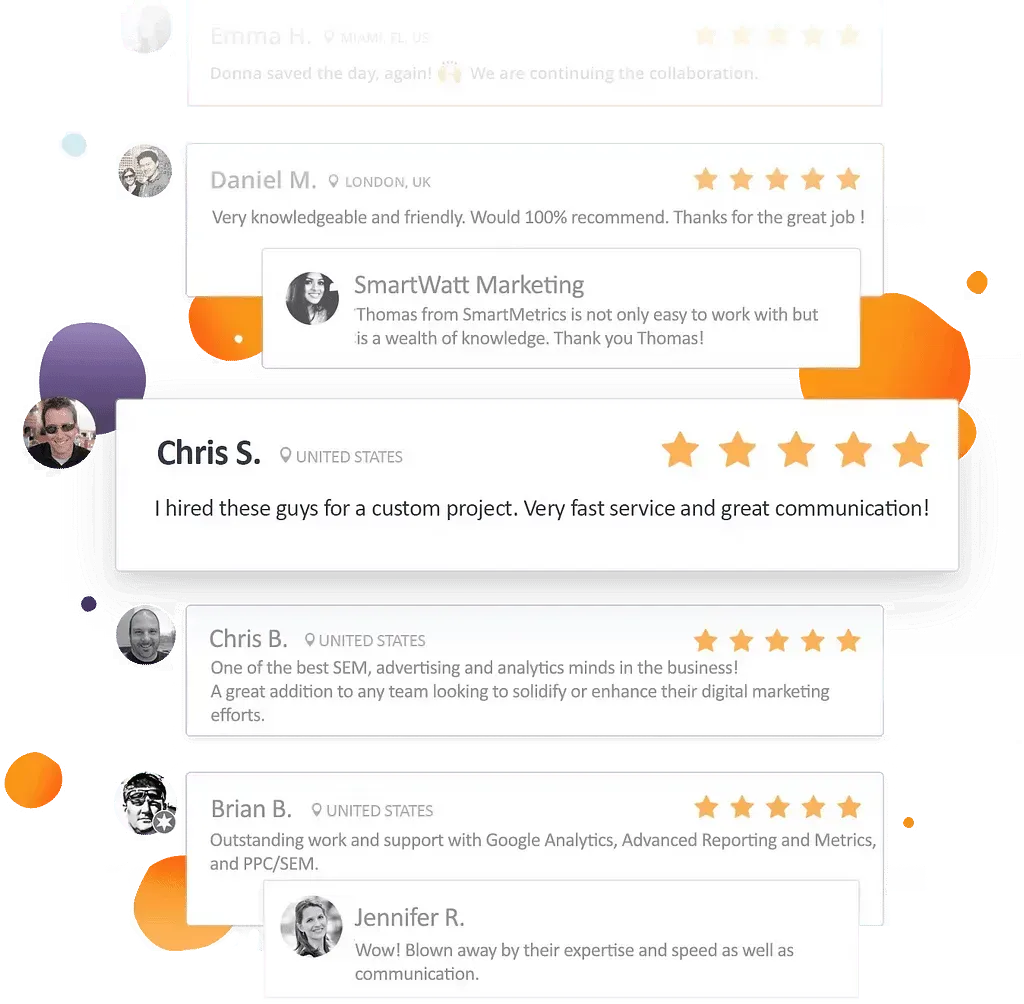
“Provided a much needed service at a great price & is always great to work with. Extremely knowledgable & capable! Thank you!”
Dj Haer Jr
DJs Junk Removal
“Thomas is patient, quick and very knowledgeable. I had a few projects that were under the gun a but he completed everything in a timely manner with great professionalism. I'll definitely be hiring him again in the future.”
Ameet Khabra
“Outstanding work and support with Google Analytics, Advanced Reporting and Metrics, and PPC/SEM. We have an ongoing relationship with SmartMetrics and have never been disappointed. Will continue to work with Thomas and team!”
Brian Bigda
What clients say
“Tomas at SmartMetrics has been fantastic to work with. He consistently delivers high-quality work quickly, communicates clearly and proactively, and makes even complex implementations feel straightforward.”
 Gray Digital Group
 5.0 on Google · All reviews
“A huge difference to the business, and we know where the next dollar goes.”
 Blitzy
“We can scale spend now without guessing what is actually working.”
 PermitFlow
“Extremely knowledgable & capable!”
 Dj Haer Jr


Work with Tomas
Founder, San Diego, CA
20 years in marketing, CRO, CRM, and analytics. Now building the systems AI runs on.
You work with me directly, from scope to delivery. No account managers.