
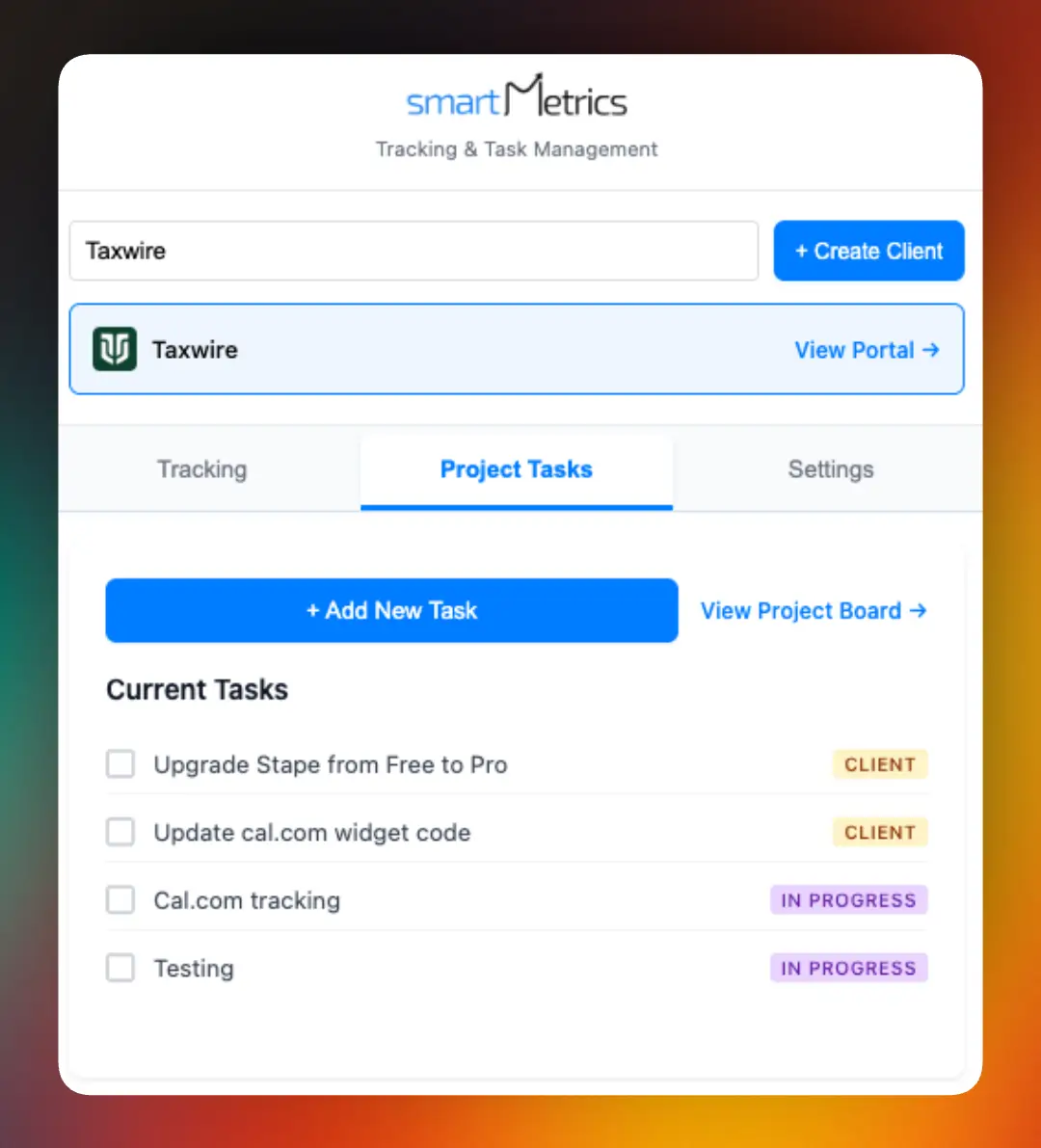

Agency workflows are evolving fast, and in 2026, browser extensions are at the heart of this transformation. Agencies face daily challenges with scattered tools, lost time, and clients who expect more transparency than ever. That’s why knowing the right agency browser extension tools can make or break your competitive edge. In this article, we’ll spotlight the 9 agency browser extension tools set to define success—from boosting productivity and automating tasks to streamlining project management, analytics, and collaboration. Get ready to see how future trends will shape agency efficiency and discover the must-have tools every modern agency should explore.
Why Browser Extensions Are Game-Changers for Agencies in 2026
Agencies in 2026 are working in a world where everything moves at lightning speed. The old days of juggling dozens of separate SaaS dashboards are fading. Instead, agency browser extension tools have moved into the spotlight, letting teams handle critical tasks right from the browser window. This shift is more than just a convenience—it's fundamentally changing how agencies get things done.
Why are agency browser extension tools suddenly so central? For one, they cut down on wasted time switching between platforms. Instead of diving into separate apps for project management, analytics, or communication, teams can now perform these tasks in the same browser environment where they already spend most of their day. According to AgencyTech 2025, over 70 percent of agencies now rely on at least five browser extensions every single day. That’s a massive jump from just a few years ago.
The productivity gains are hard to ignore. Real-world agency case studies show that using agency browser extension tools leads to faster project turnarounds and fewer errors. Imagine a project manager launching a campaign, collecting feedback, and generating reports—all without leaving a single browser tab. This kind of workflow not only saves time, it also reduces the risk of mistakes caused by constant app-switching.
Security has also evolved. As more sensitive client data moves through browser-based workflows, agencies demand better protection and compliance. In 2026, most leading agency browser extension tools come with built-in encryption, granular permission controls, and regular security audits. Recent reports, like the Enterprise Browser Extension Security Report 2025, highlight how widespread extension use is—and how crucial it is to manage permissions and monitor risks.
Remote and hybrid teams benefit even more. With agency browser extension tools, collaboration happens in real time, no matter where team members are located. Extensions streamline feedback, document sharing, and client communication, making it easy to keep projects on track from anywhere.
How do these tools compare to traditional desktop apps or even cloud platforms? Extensions offer a lighter, more flexible approach. They update automatically, don’t require heavy installs, and integrate directly with the browser. Still, agencies face challenges like extension overload, where too many tools can create clutter, and the need to carefully manage permissions for each user.
In the end, agency browser extension tools are redefining what’s possible for agencies in 2026. They’re not just a trend—they’re the key to faster, safer, and more collaborative work. Agencies that embrace this evolution are setting themselves up for long-term success.
9 Essential Agency Browser Extension Tools for 2026
Choosing the right agency browser extension tools is crucial for streamlining operations and staying competitive. The market in 2026 is packed with innovative solutions, but not every tool will make the same impact for agencies. The following curated list spotlights nine browser extensions that stand out for their relevance, innovation, and real agency impact.
Each tool below is selected based on how well it supports productivity, automation, analytics, and collaboration. Whether your agency is large or small, these agency browser extension tools can transform the way you work.
SmartMetrics Browser Extension
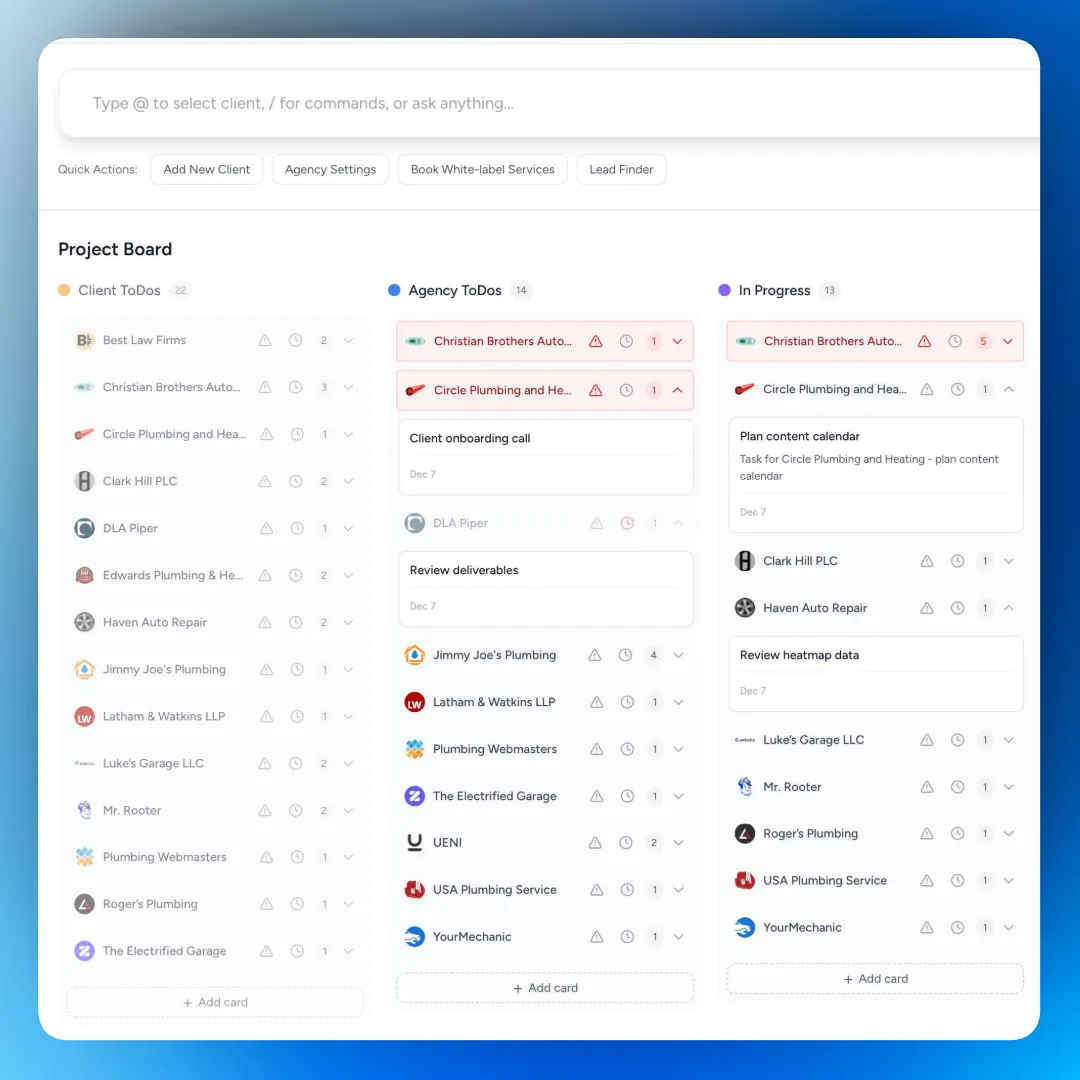
SmartMetrics leads the way in agency browser extension tools by offering an all-in-one solution for agencies aiming to scale. With flexible pricing, including a free plan and scalable options, it adapts to any agency size. Key features include branded client portals, automated audits, proposal generation, project management, and a collaboration hub.

Agencies benefit from streamlined onboarding, centralized project data, and customizable reporting dashboards. SmartMetrics also supports white-label services, letting agencies reinforce their brand at every client touchpoint. For more on this, see White-label services for digital agencies.
- Pros: All-in-one, rapid onboarding, white-label, scalable.
- Cons: May overwhelm very small teams.
- Example: Agencies cut onboarding from five days to just half a day.
Grammarly for Chrome
If your team produces a lot of client-facing content, Grammarly for Chrome is one of the most reliable agency browser extension tools to ensure quality and professionalism. Its free version covers grammar and clarity, while premium unlocks advanced style and plagiarism checks.
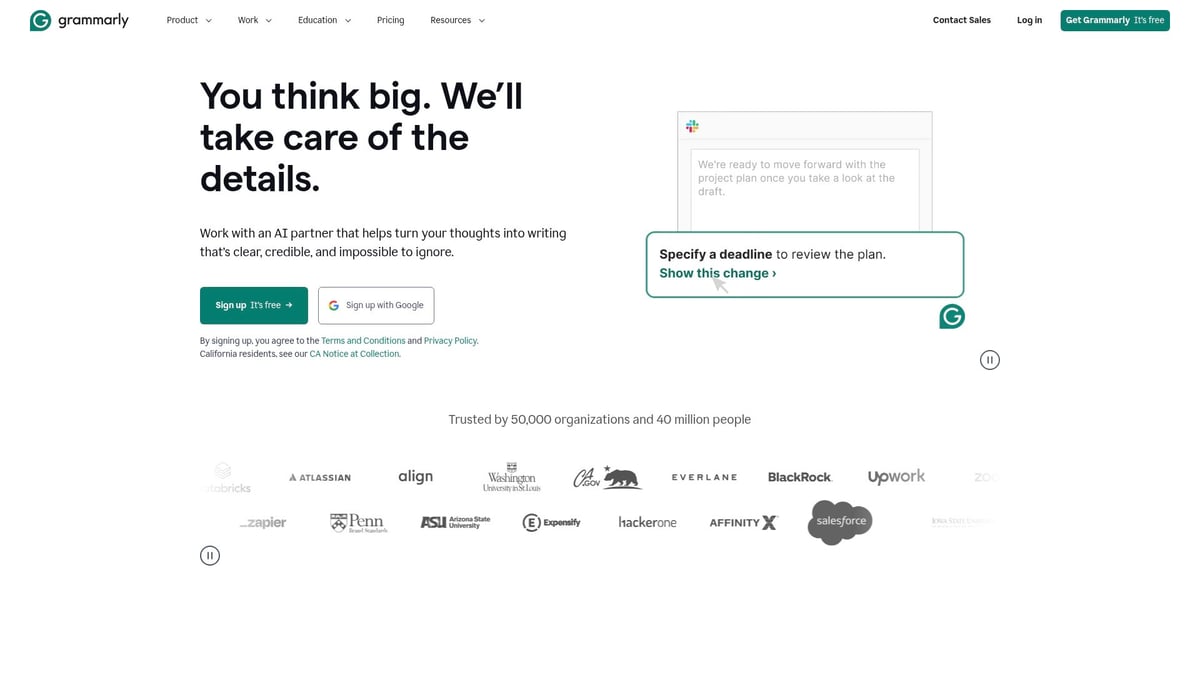
Grammarly integrates seamlessly across web platforms, catching errors and improving tone in real time. It’s particularly helpful for agencies creating reports, proposals, or web content under tight deadlines.
- Pros: Saves editing time, boosts writing quality, easy integration.
- Cons: Some false positives, premium needed for advanced tools.
- Example: Agencies report a 30% reduction in editing time.
Loom Chrome Extension
Loom Chrome Extension is a favorite among agency browser extension tools for effortless communication. It enables one-click screen recording and instant video sharing, which is perfect for client walkthroughs, internal training, or quick feedback sessions.
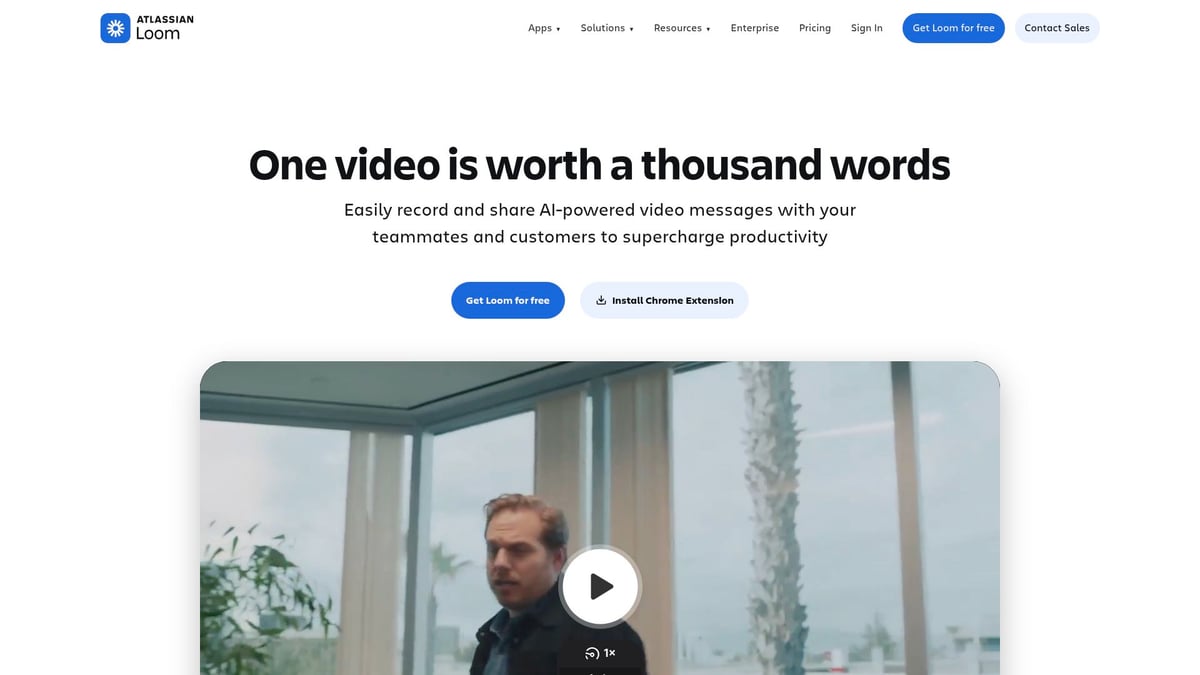
Viewer analytics help track engagement, making it easier to follow up. The intuitive interface encourages asynchronous communication, saving time for both clients and teams.
- Pros: Fast, easy, tracks viewer stats.
- Cons: Limited free editing, needs stable internet.
- Example: Agencies see project approvals 40% faster with Loom.
LastPass
Security is non-negotiable when it comes to agency browser extension tools. LastPass offers secure password management, team sharing, and auto-fill capabilities. Its dark web monitoring adds an extra layer of protection for sensitive client credentials.
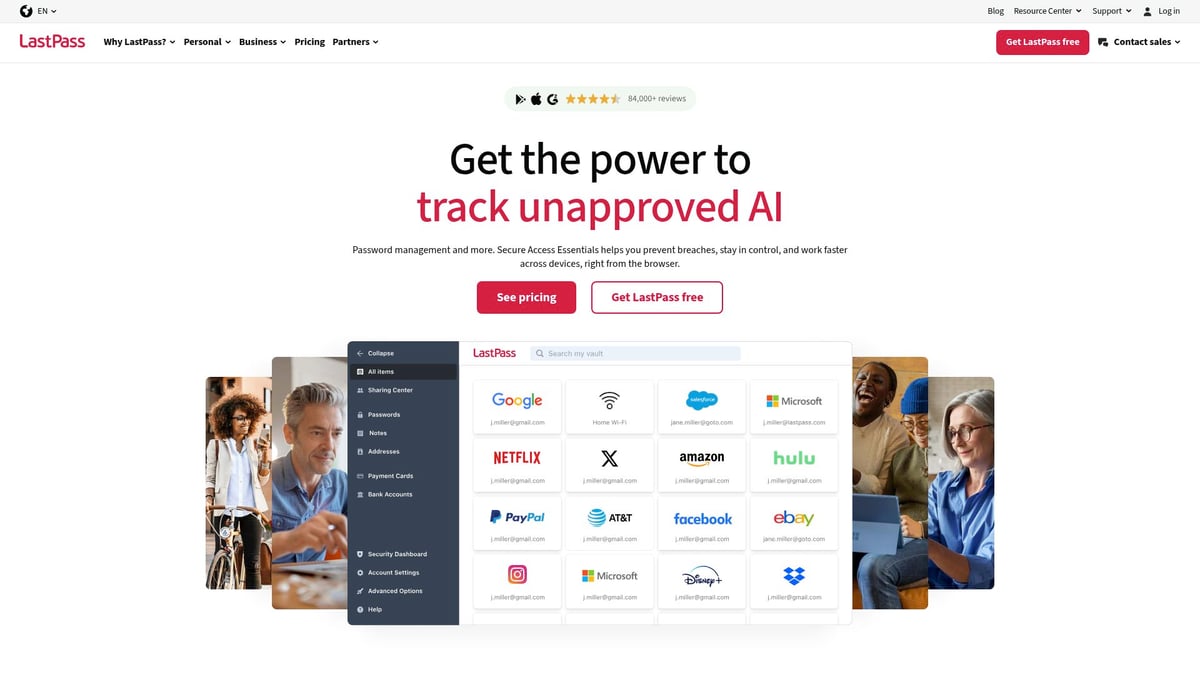
It’s designed for agencies juggling multiple accounts and platforms, reducing password reset headaches and streamlining access across teams.
- Pros: Strong security, easy onboarding, syncs across devices.
- Cons: Occasional sync issues, advanced admin in paid plans.
- Example: Password reset requests drop by 60% for agencies using LastPass.
Toggl Track Browser Extension
Toggl Track stands out among agency browser extension tools for its simple, effective time tracking. With one-click timers, project categorization, and detailed reporting, agencies can accurately track billable hours and boost transparency.
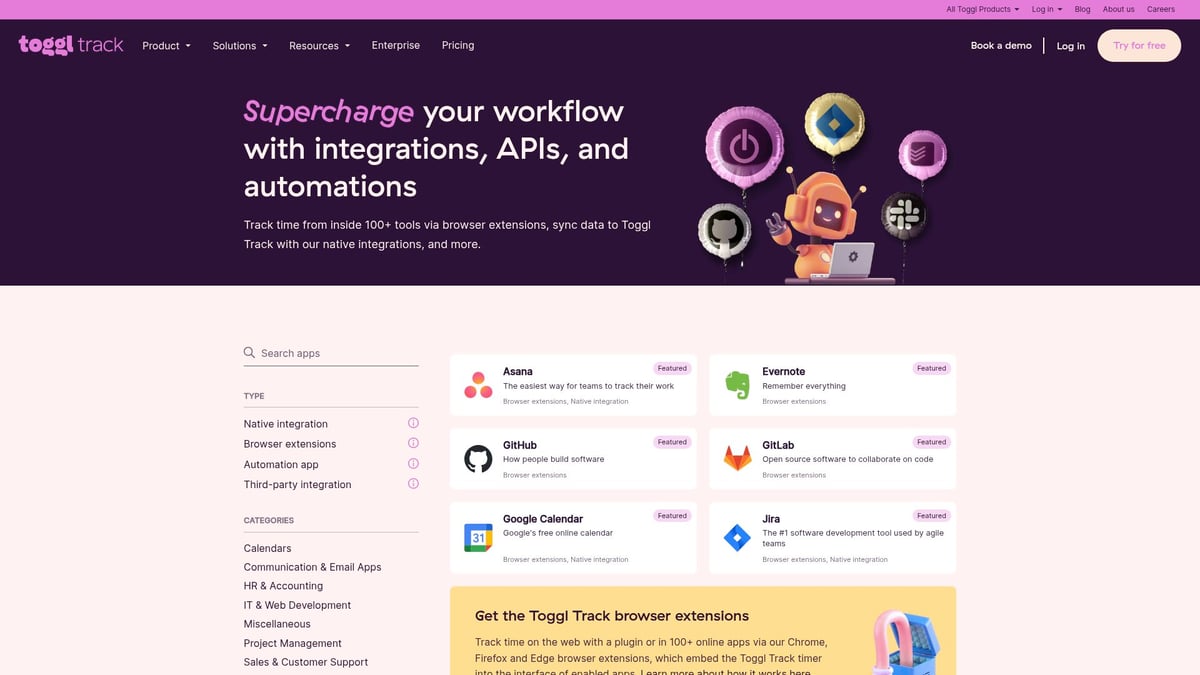
It integrates with popular project management tools, supporting agencies that juggle multiple clients or projects. Manual entry is available for granular tracking, and real-time data helps optimize resource allocation.
- Pros: Intuitive, integrates well, real-time tracking.
- Cons: Manual task entry, setup for integrations.
- Example: Billable hour accuracy improves by 25% with Toggl Track.
Hunter.io Email Finder Extension
For agencies focused on growth, Hunter.io is a top choice among agency browser extension tools for prospecting. It finds and verifies email addresses, supports domain searches, and integrates with CRMs.
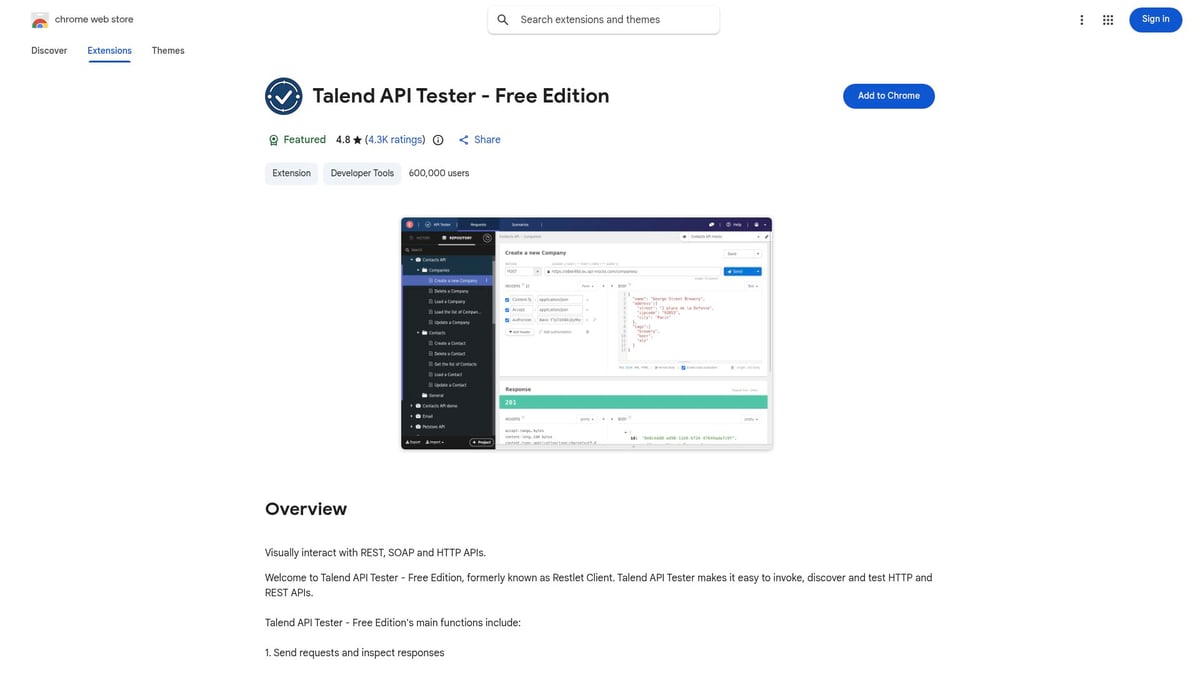
The bulk search feature accelerates outreach, making business development more efficient. Agencies should be mindful of GDPR compliance and the search limits on the free plan.
- Pros: Accurate, bulk search, CRM integration.
- Cons: Limited free searches, privacy considerations.
- Example: Outreach efficiency rises by 35% with Hunter.io.
ClickUp Chrome Extension
ClickUp’s Chrome Extension is built for agencies managing complex projects. It lets users create tasks from any webpage, track time, take screenshots, and convert emails to tasks, all from the browser.
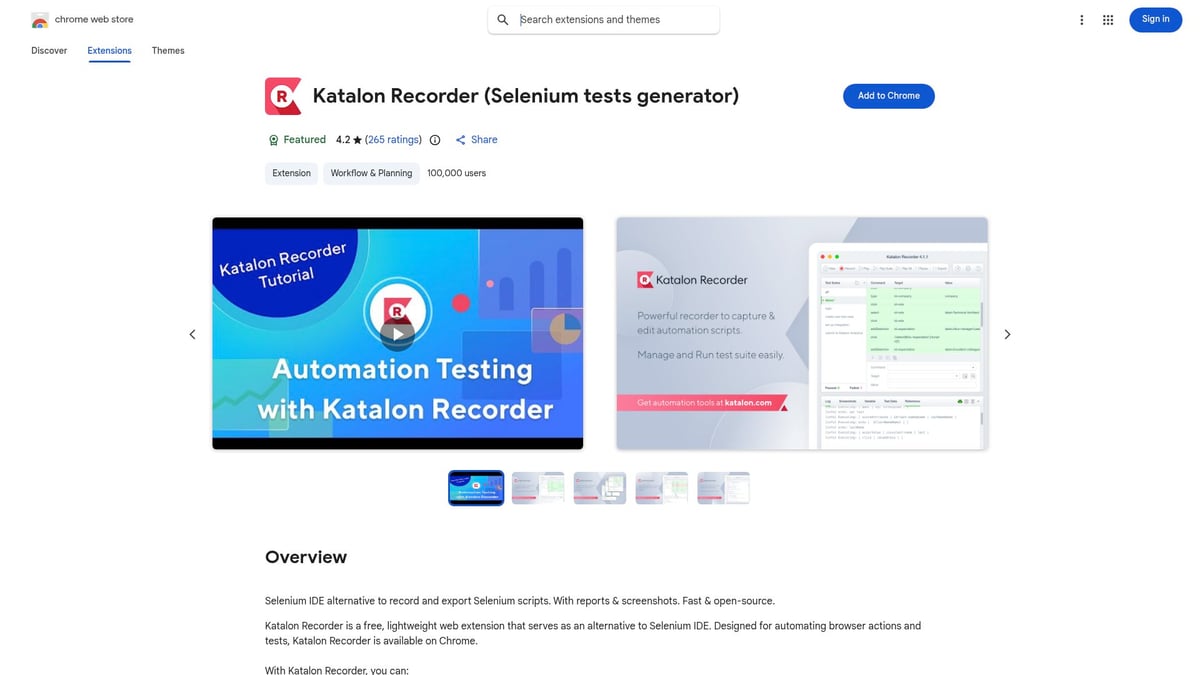
This agency browser extension tools favorite provides deep integration with the ClickUp platform, delivering real-time updates and flexible workflows. The learning curve is manageable, especially for teams already familiar with ClickUp.
- Pros: Centralizes tasks, flexible workflows, real-time sync.
- Cons: Best for ClickUp users, some features need training.
- Example: Agencies achieve 20% faster task turnaround.
MozBar
MozBar is an essential pick in agency browser extension tools for agencies offering SEO and digital marketing services. It provides instant SEO metrics, link data, and keyword research directly in your browser.
MozBar simplifies on-the-fly SEO audits and competitive analysis, saving agencies significant prep time. While the free version is useful, advanced features require a Moz Pro account.
- Pros: Comprehensive metrics, quick SERP analysis, Moz integration.
- Cons: Limited free features, Moz account needed.
- Example: Agencies halve their SEO audit preparation time.
Nimbus Screenshot & Screen Video Recorder
Visual communication is crucial, and Nimbus is one of the most versatile agency browser extension tools for capturing and sharing screenshots or screen recordings. It supports full-page captures, annotation, and quick sharing for bug reports or client presentations.
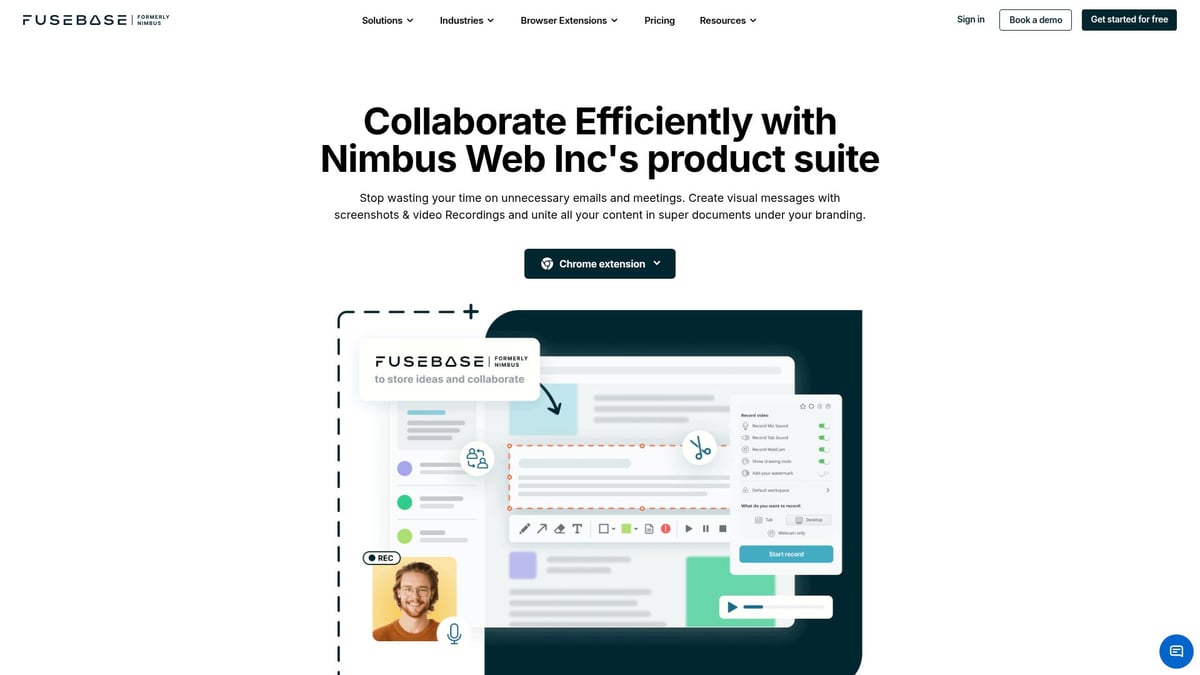
Agencies benefit from faster feedback cycles and improved documentation. The free plan is robust, with advanced editing available on paid versions.
- Pros: Versatile capture, annotation tools, cloud storage.
- Cons: Watermarks on free, advanced editing paid.
- Example: Bug resolution speeds up by 30% with Nimbus.
How to Choose the Right Browser Extensions for Your Agency
Choosing the right agency browser extension tools can feel overwhelming, especially with so many options and overlapping features. The right selection will be a game-changer for your agency’s efficiency, security, and client satisfaction.
Start by pinpointing where your agency’s workflow slows down. Is it project management, collaboration, or reporting? Mapping out these bottlenecks helps you match agency browser extension tools to your team’s actual needs, not just the latest trends.
Next, check if the extensions integrate smoothly with platforms your agency already relies on. For example, if project management is crucial, look for tools that sync with your main systems. This resource on project management for marketing agencies explores how integration streamlines daily operations.
Security and privacy are non-negotiable. As you evaluate agency browser extension tools, look for features that protect client data and meet compliance standards. Recent advancements, like those covered in this article on Manifest V3 and Browser Extension Security, highlight the importance of robust privacy controls and permission management.
Consider scalability and user management. Will the extension grow with your team? Easy onboarding, clear permission controls, and flexible user roles are essential. At the same time, weigh the cost against the value. Many tools offer free trials or tiered pricing, letting you test before committing.
Strong support, frequent updates, and clear documentation are signs of a reliable extension. Agencies that consolidate their tools often discover fewer errors and smoother workflows, freeing up time for client work.
Here’s a quick table to help you compare extensions:
| Criteria | What to Look For |
|---|---|
| Integration | Syncs with core platforms and tools |
| Security | Data protection, compliance, permission management |
| Scalability | Supports team growth, flexible user roles |
| Cost/Value | Fits budget, offers free trial or clear ROI |
| Support | Documentation, regular updates, responsive support |
Remember, 68% of agencies say integration is the top factor when adopting agency browser extension tools. Take the time to assess each option carefully so your agency can stay agile, secure, and ahead of the curve.
Maximizing ROI: Best Practices for Extension Adoption and Management
Maximizing the return on your investment in agency browser extension tools starts with a clear, agency-wide policy. Set expectations around which tools are approved, how they're used, and who manages them. This creates a foundation for consistency and security across your team.
A streamlined onboarding process is crucial for success. Automating client account setup, for example, ensures every user gets the right permissions and access from day one. If you want to see how agencies are automating these steps, check out how they automate client account setup to save time and reduce errors.
Training is the next big step. Every team member should know how to use your chosen agency browser extension tools and understand their security features. Regular training keeps everyone on the same page, especially as extensions get updated with new capabilities.
Sensitive client data deserves special attention. Use permission controls and admin features to limit access to only those who need it. This not only protects clients but also meets compliance standards that agencies face.
Auditing your agency browser extension tools is a smart habit. Regularly review which extensions are in use, remove outdated or unused ones, and watch for any performance issues. If you're curious about how extensions might impact browser speed or energy use, the Impact of Extensions on Browser Performance offers valuable insights.
Don't forget to monitor the impact your tools have on productivity. Many browser extensions come with built-in analytics, so you can track usage, adoption, and even time savings. Gather feedback from your team to understand what's working and what needs to change.
Agencies that follow these best practices report faster project delivery and higher client satisfaction. By treating agency browser extension tools as an integral part of your workflow—not just add-ons—you'll see measurable improvements in efficiency and results.
As you’ve seen, the right browser extensions can completely transform how your agency works—helping you save time, impress clients, and boost your bottom line. If you’re ready to put these insights into practice and streamline your workflow with proven tools like branded client portals, automated audits, and collaboration hubs, why not take the next step? You don’t have to overhaul everything at once—just start exploring what’s possible and see the difference for yourself. We believe efficiency should be accessible to every agency, so you can Get Started for Free and discover the benefits firsthand.



 Gray Digital Group
 Blitzy
 PermitFlow
 Dj Haer Jr

